All Features
Every Feature is marked with for Free features and $ sign to indicate at which one-time paid plan it's available.
Free
Many basic features are provided just for free out of box.
If you like it and want more - please consider to choose one time purchase of paid plan.
Paid Plans
Paid Plans are the following:
- — Unsupported — ±23 features
- — Unsupported — ±39 features
- — Unsupported — over ±40+ features, including exclusive for this plan
GPT Price
To use this alternative chat tool you need to get OpenAI Key.
Can be easily fetched free trial value of $5 for new registration(probably, no guarantee, limited by time) at OpenAI.
Anyway even paid account is very cheap, way more cheaper than any subscription options from OpenAI. Just top-up your OpenAI account and use chat tool with your key.
OpenAI key can be generated via this link.
Free out of box
- Filter Chats list
- It's one of Side menu tools. Filtering all chats and folders by title.
Show more
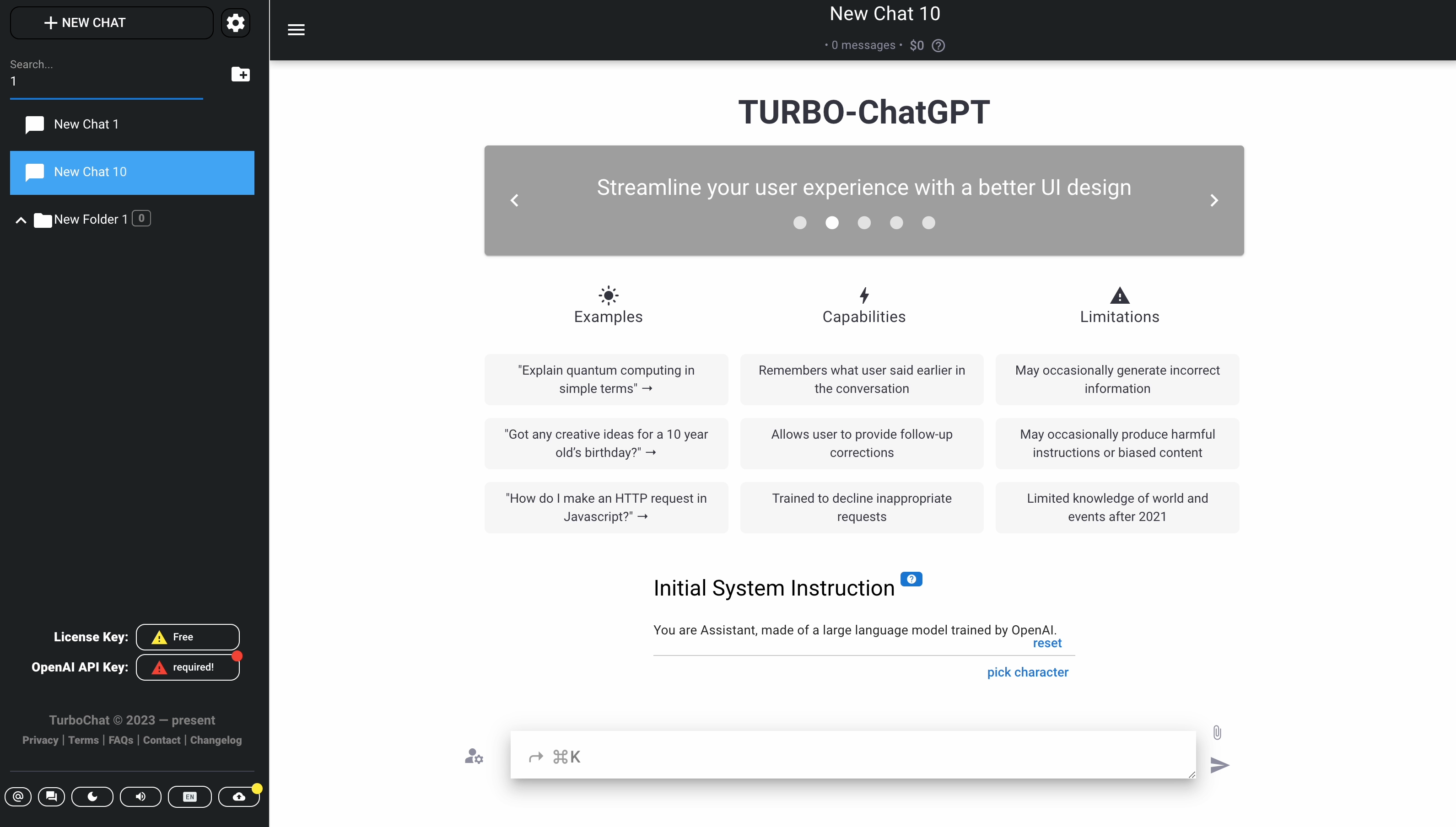

- It's one of Side menu tools. Filtering all chats and folders by title.
- Show Dialog Pick Characters
- It's available at Starting home screen. Filtering all characters is also available.
Show more
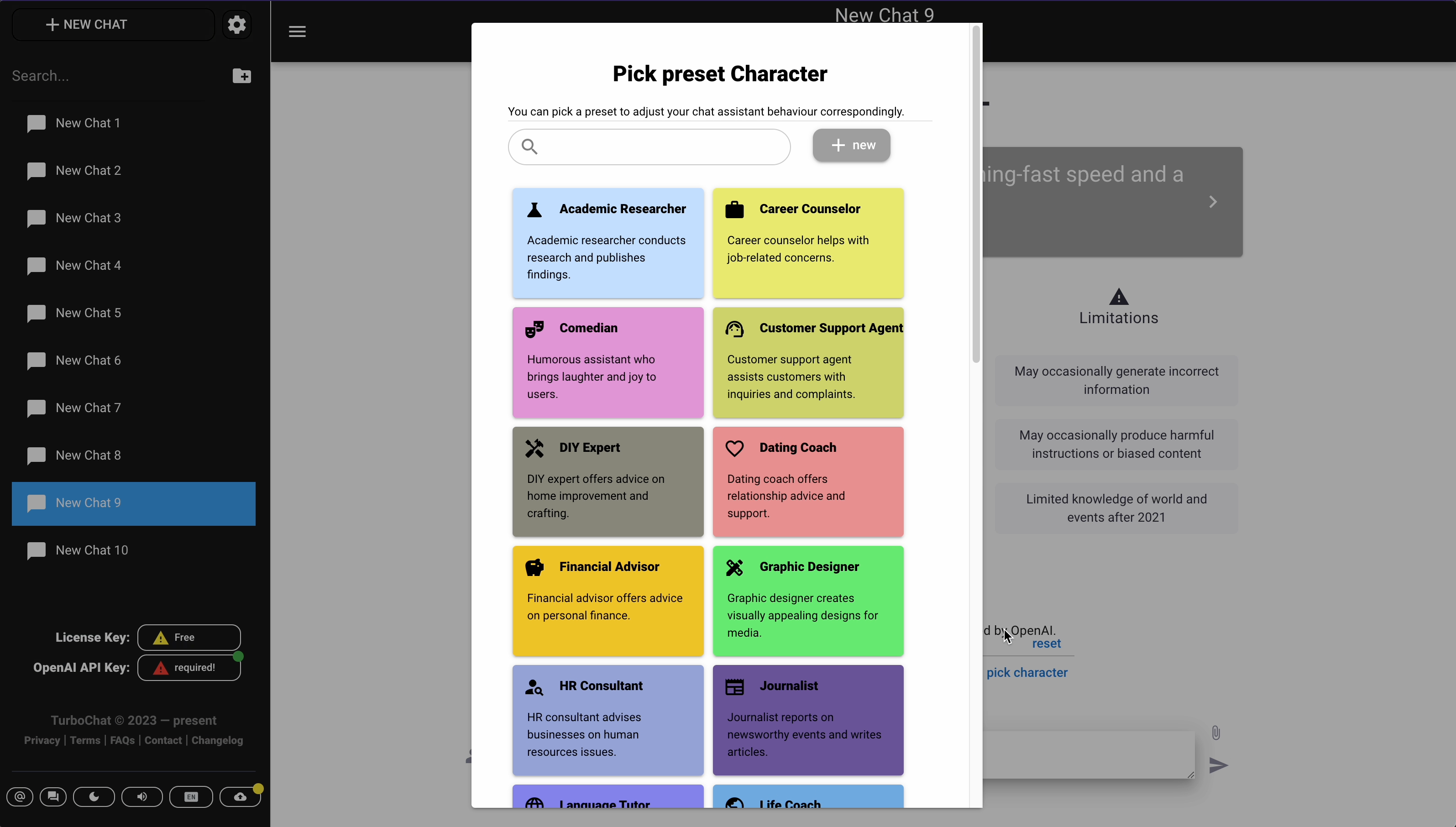

- It's available at Starting home screen. Filtering all characters is also available.
- Show Dialog Change Chat Title
- It's available in the Side menu tools and in the Chat header.
Show more
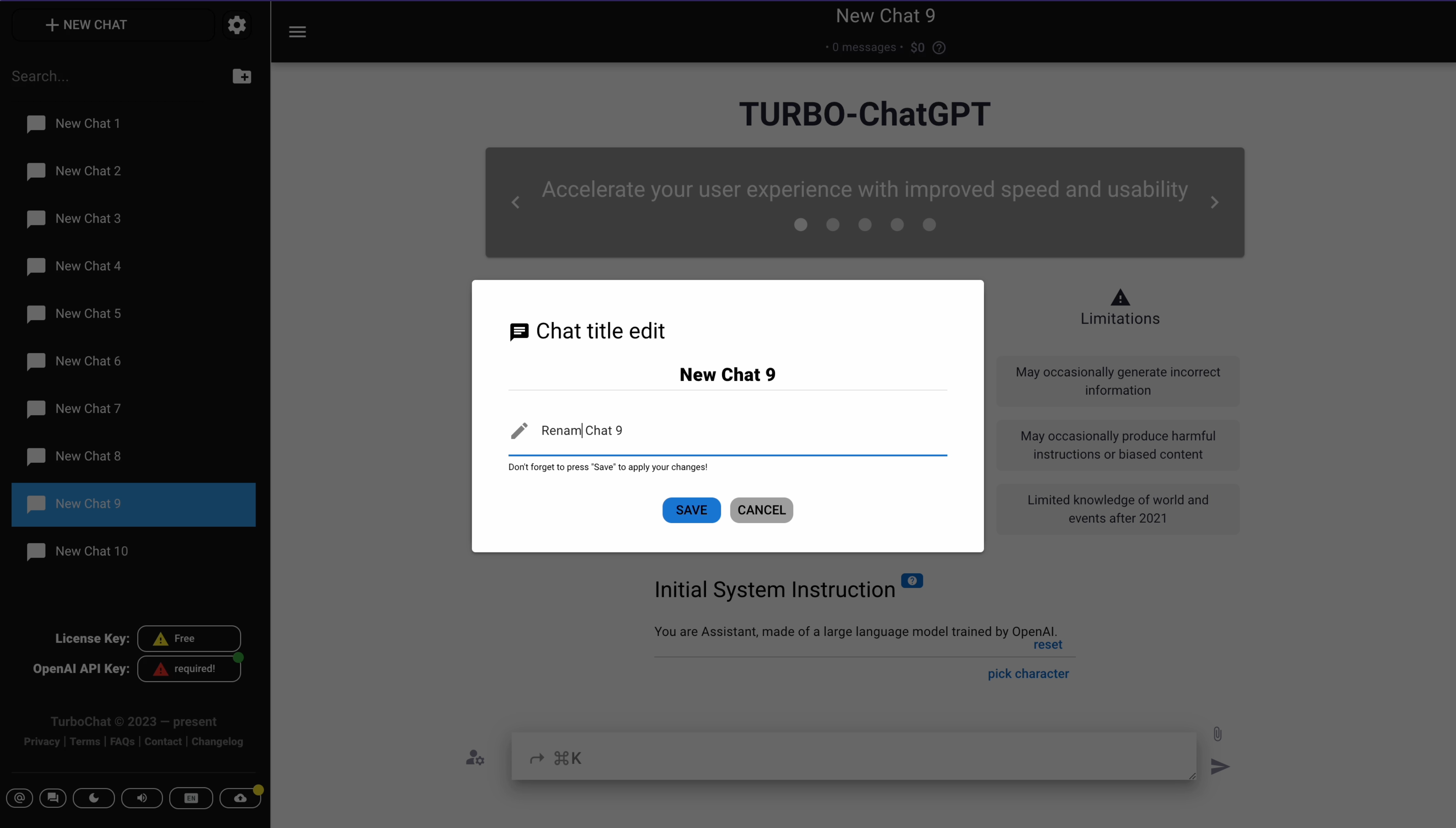

- It's available in the Side menu tools and in the Chat header.
- Show Dialog Change Model Settings
- It's available in the Settings dialog and in the Chat header.
Show more
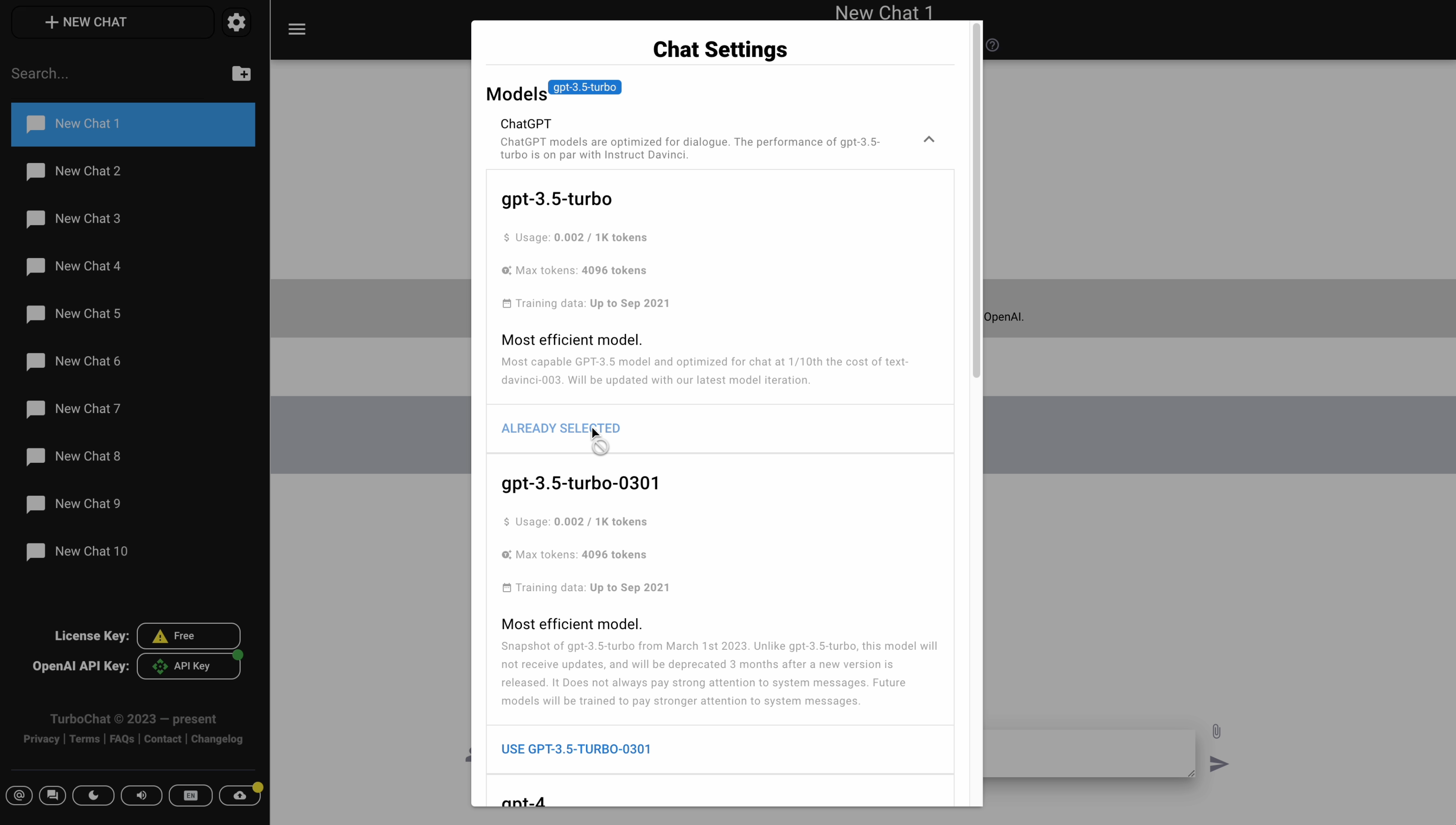

- It's available in the Settings dialog and in the Chat header.
- Regenerate Post
- It's available at Chat post menu.
Show more
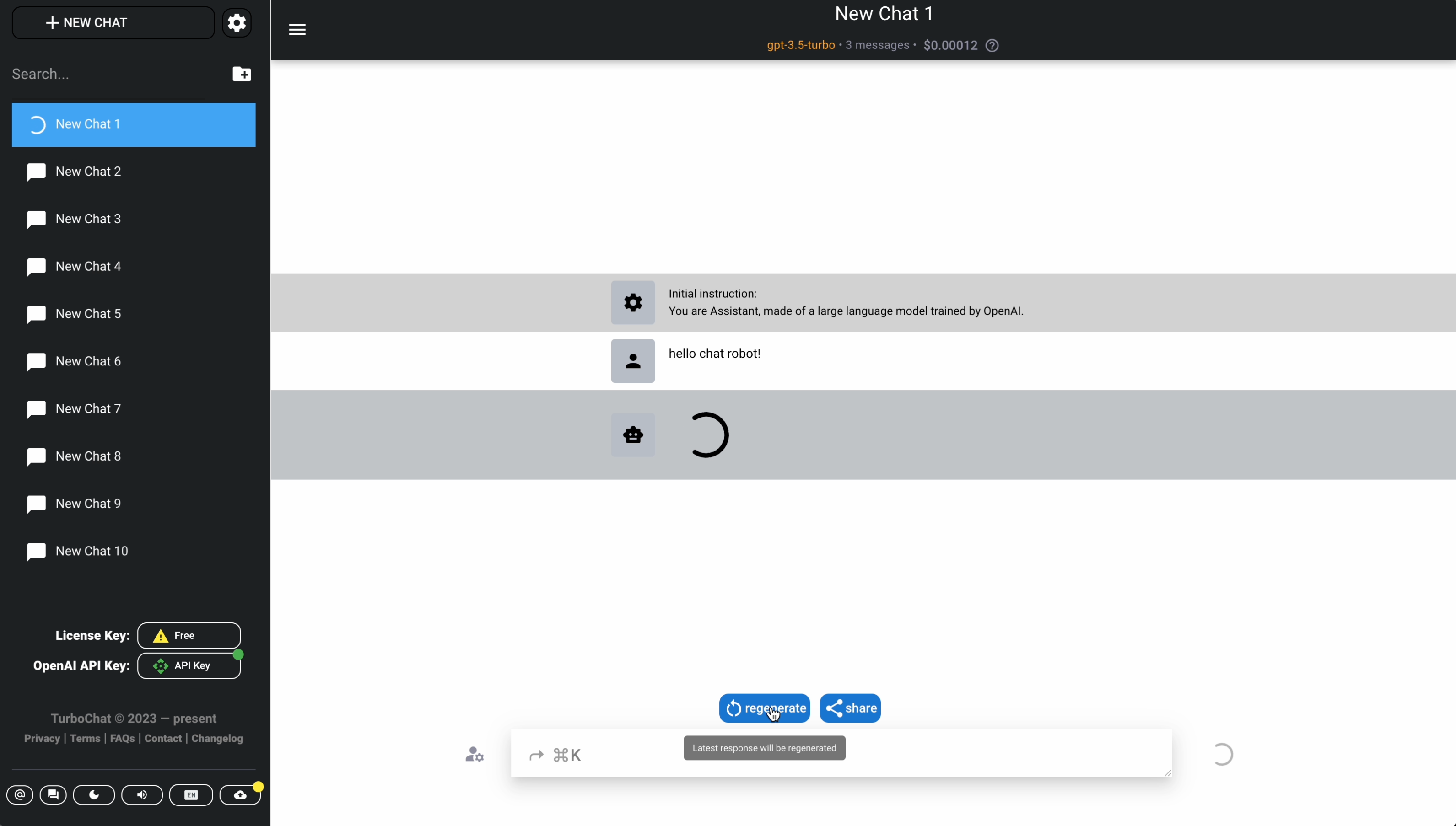

- It's available at Chat post menu.
- Export all data dialog
- It's available in the Settings dialog and in the Data sync dialog.
Show more
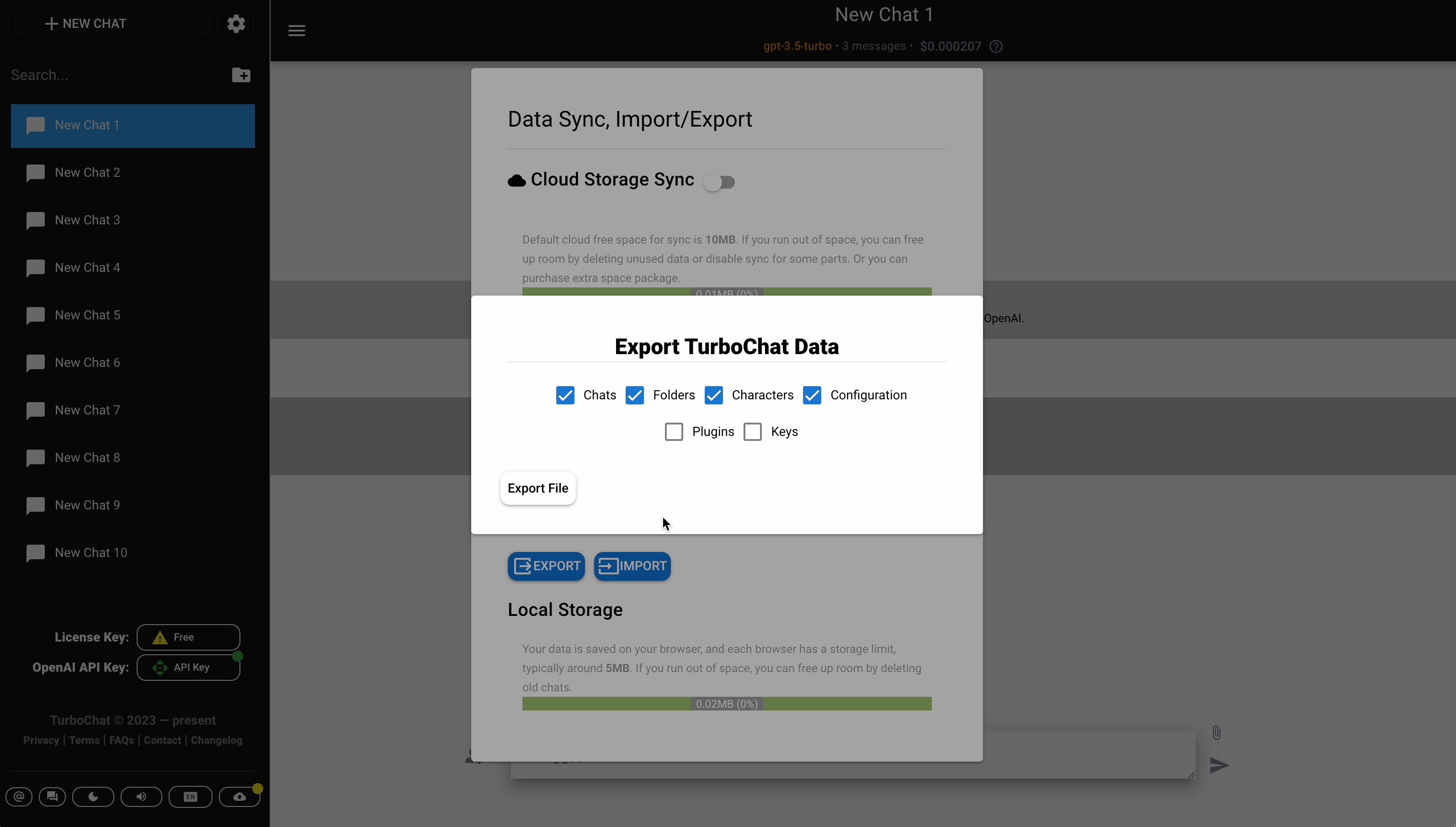

- It's available in the Settings dialog and in the Data sync dialog.
- Show Dialog Search via shortcut
- It's available inside chat post button and via corresponding shortcut(Cmd+K by default).
Show more
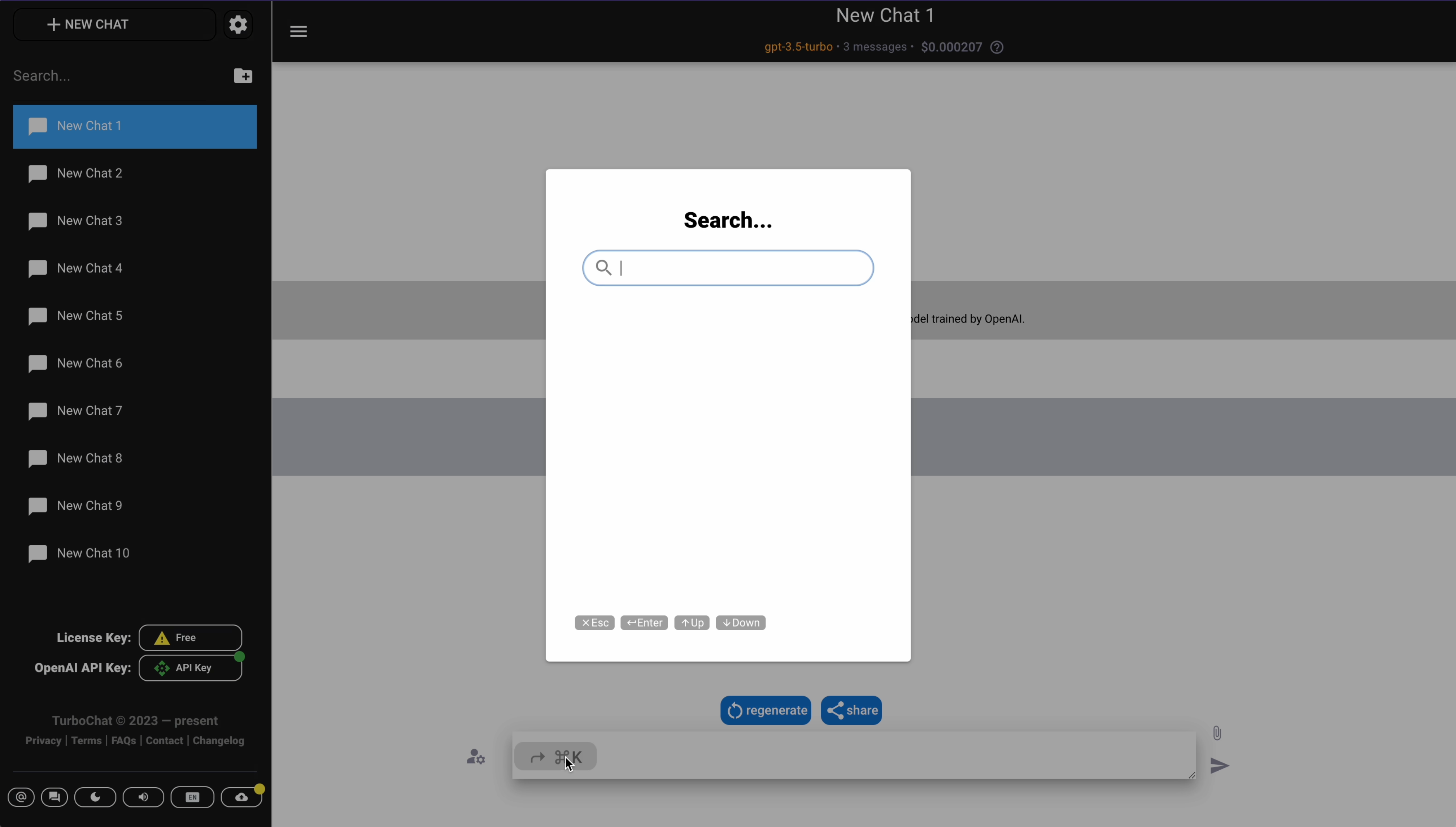

- It's available inside chat post button and via corresponding shortcut(Cmd+K by default).
Side menu tools
- Bottom line buttons
Show more
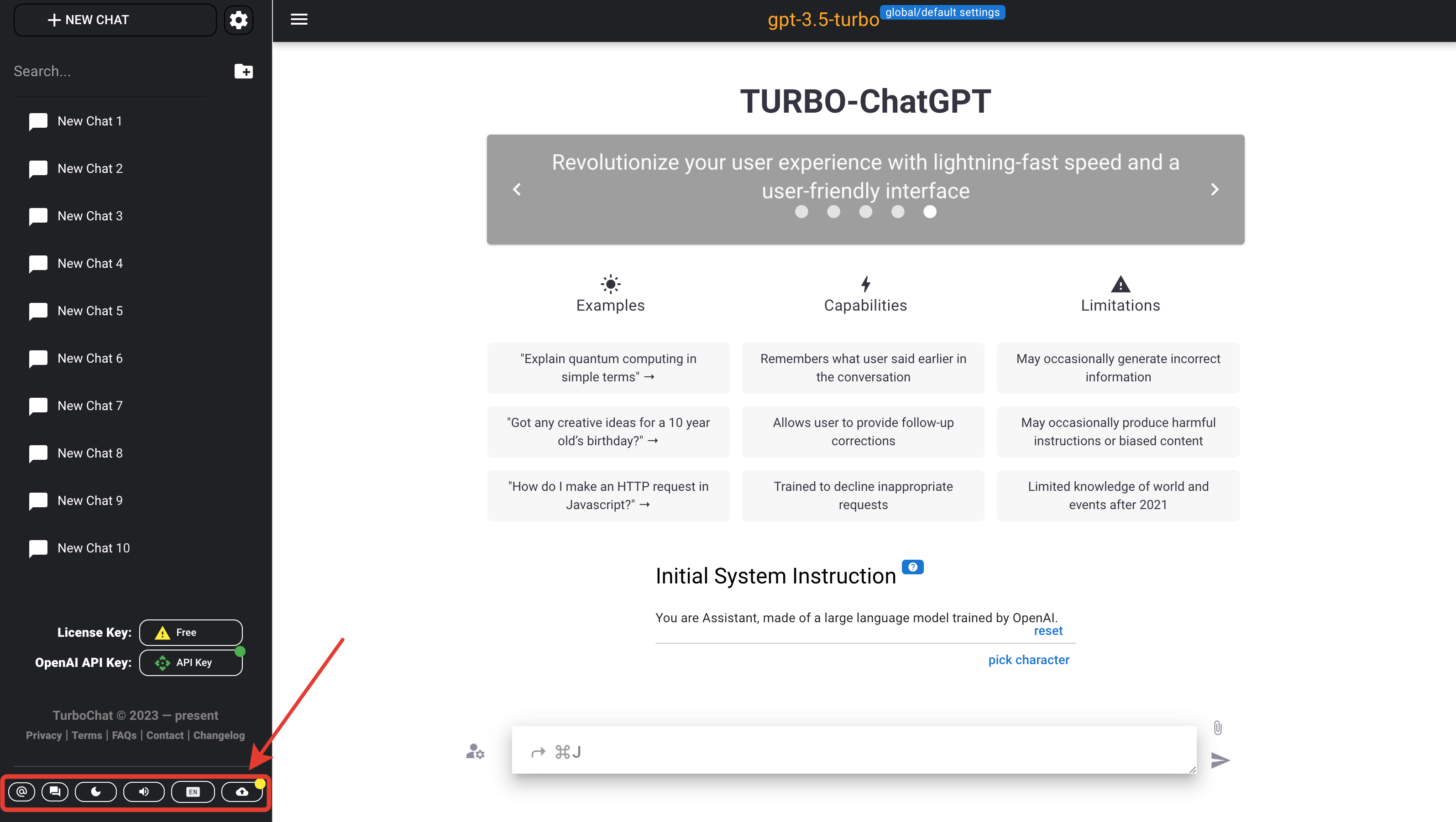
- Newsletter Subscription
Show more
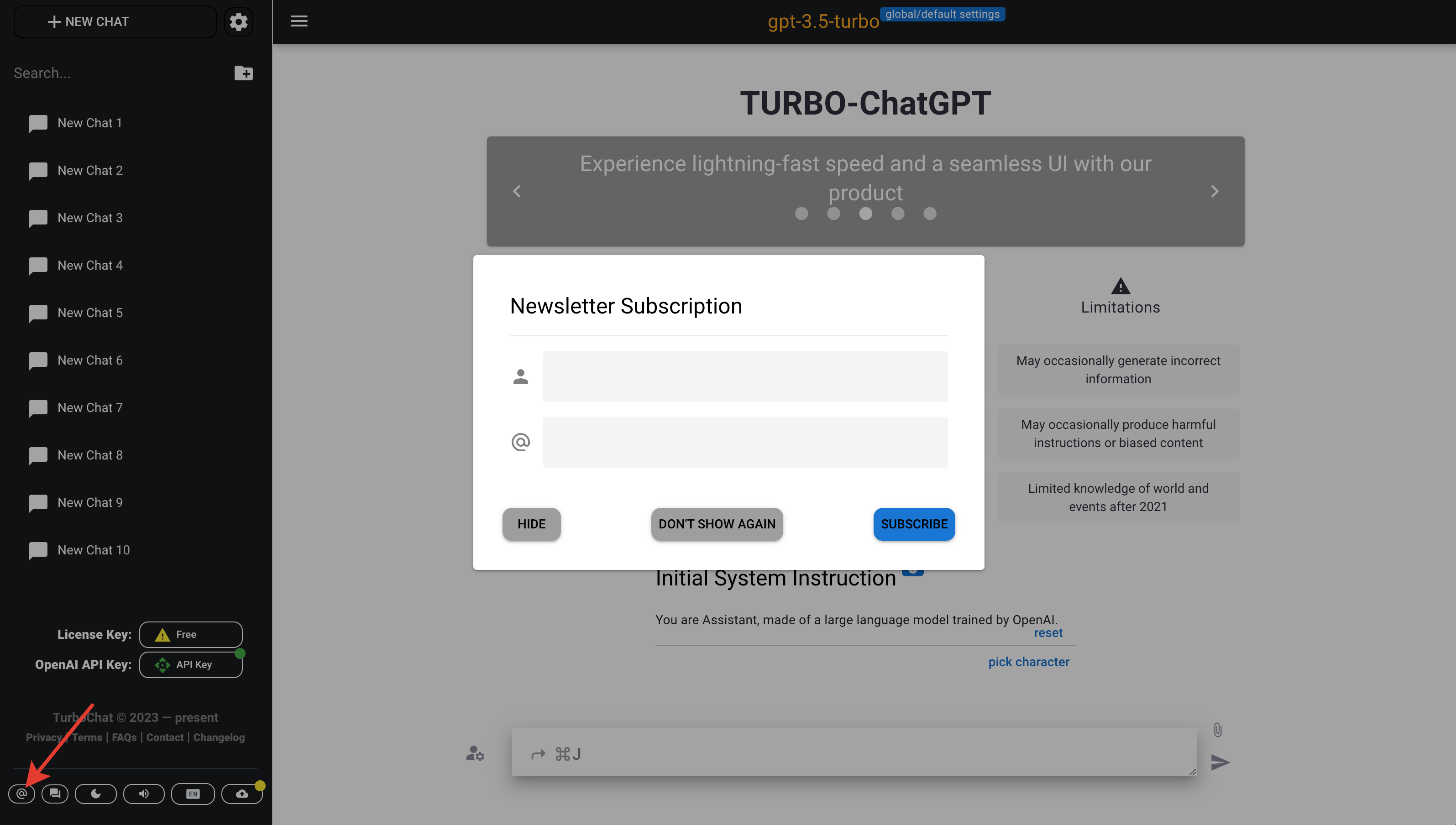
- Send Feedback/Support
Show more
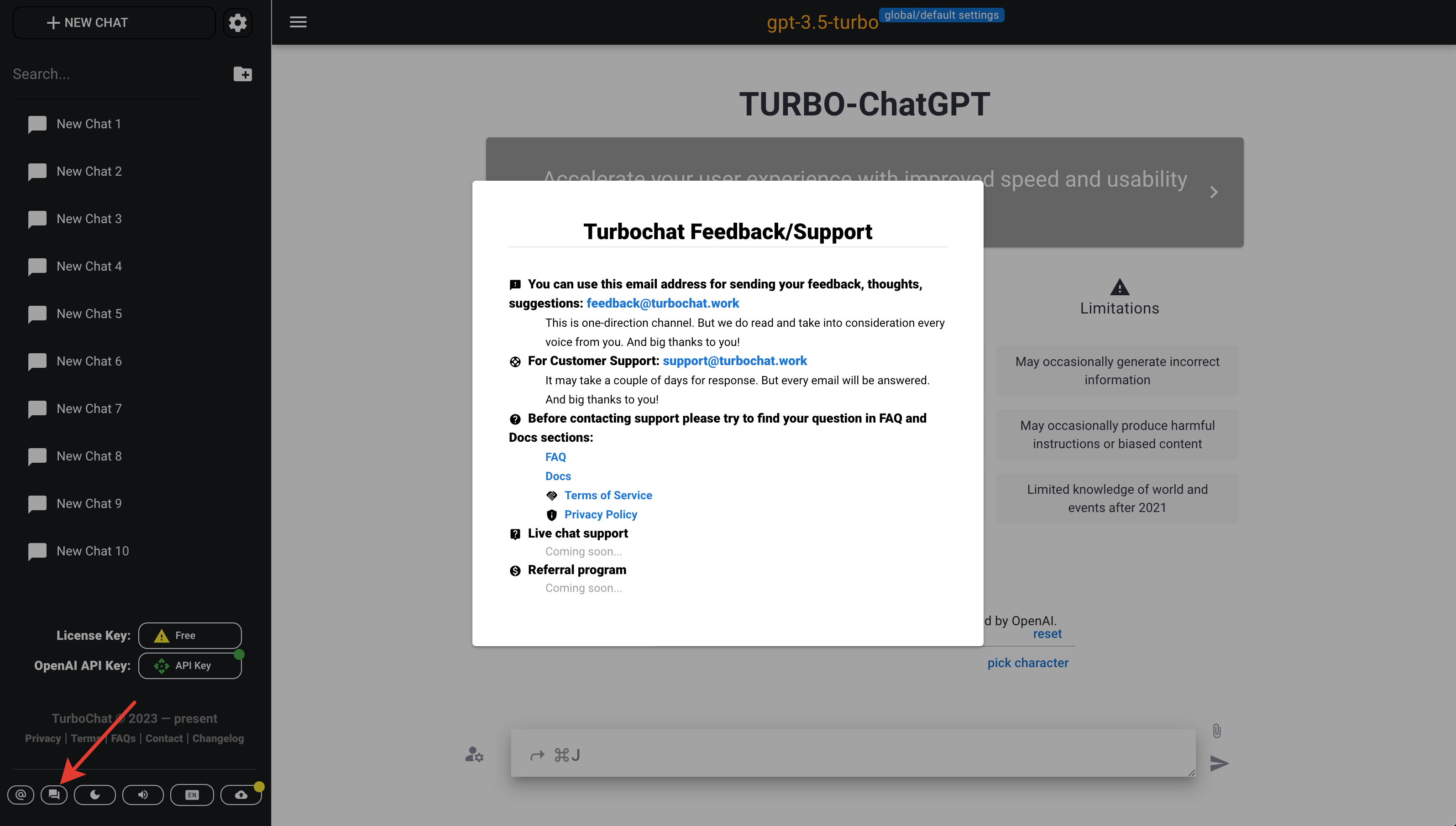
- Live Support Chat
Show more
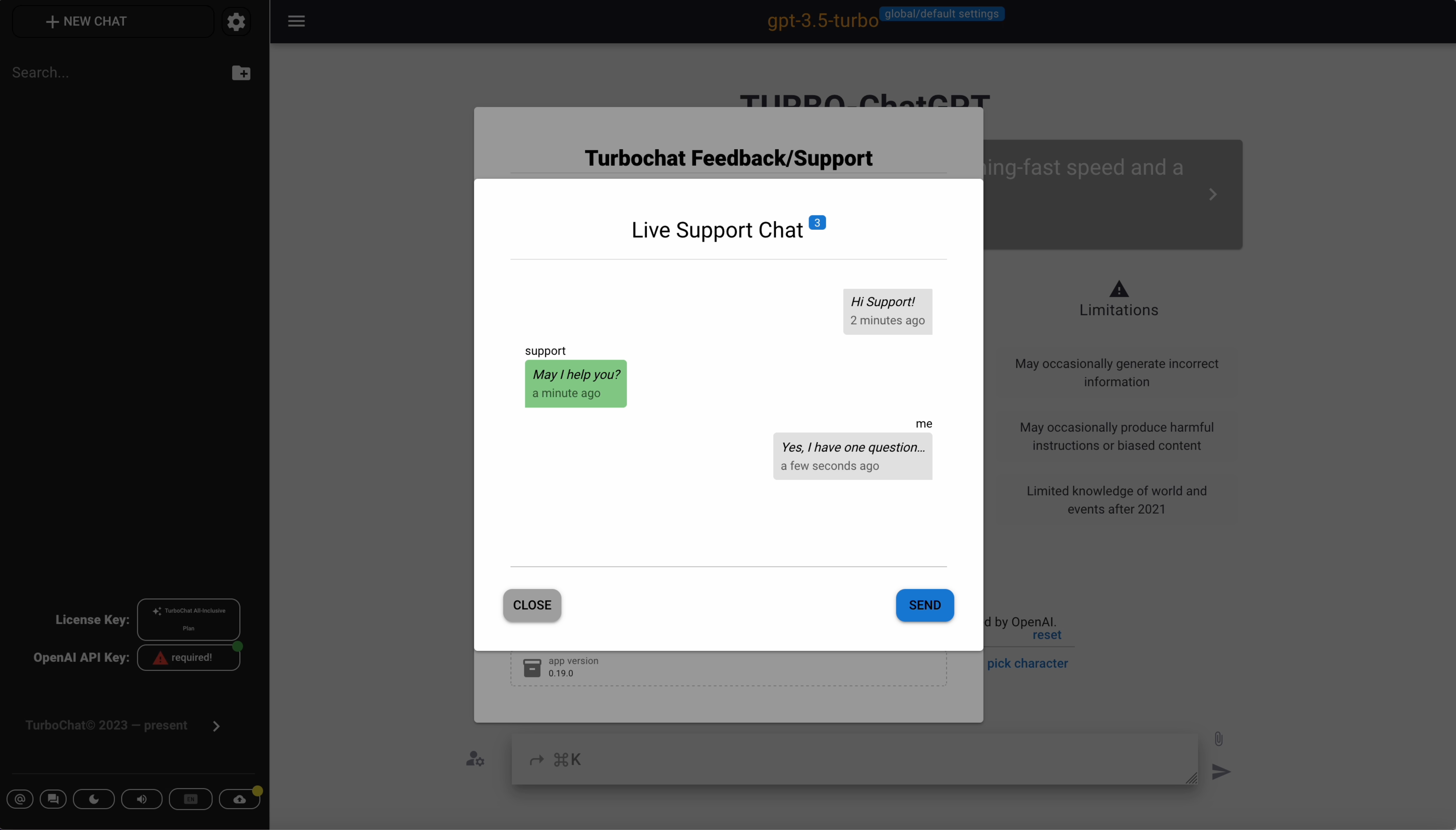

- Live Support Chat
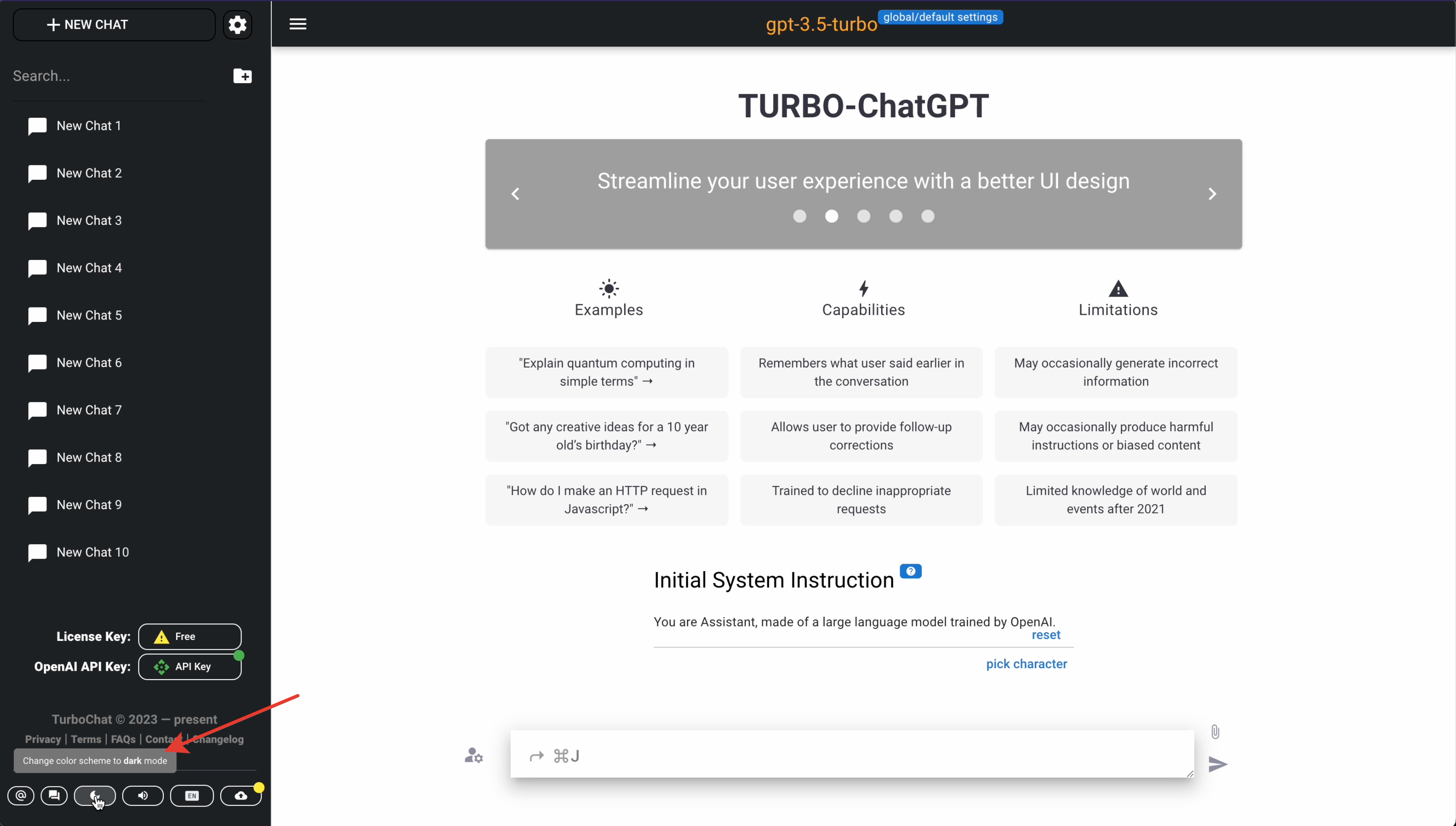
- Toggle Dark Mode
Show more
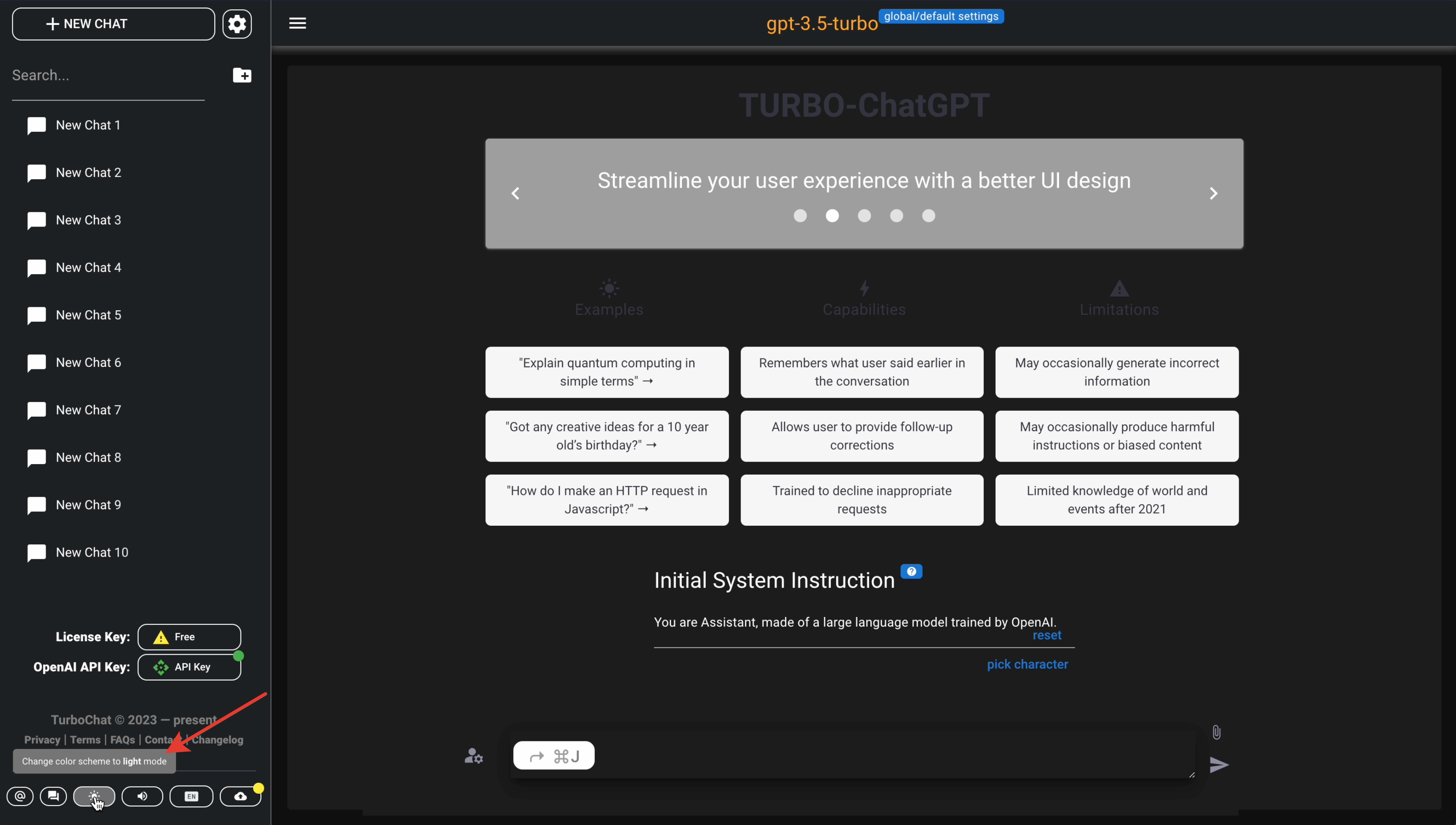
- Toggle Mute
Show more
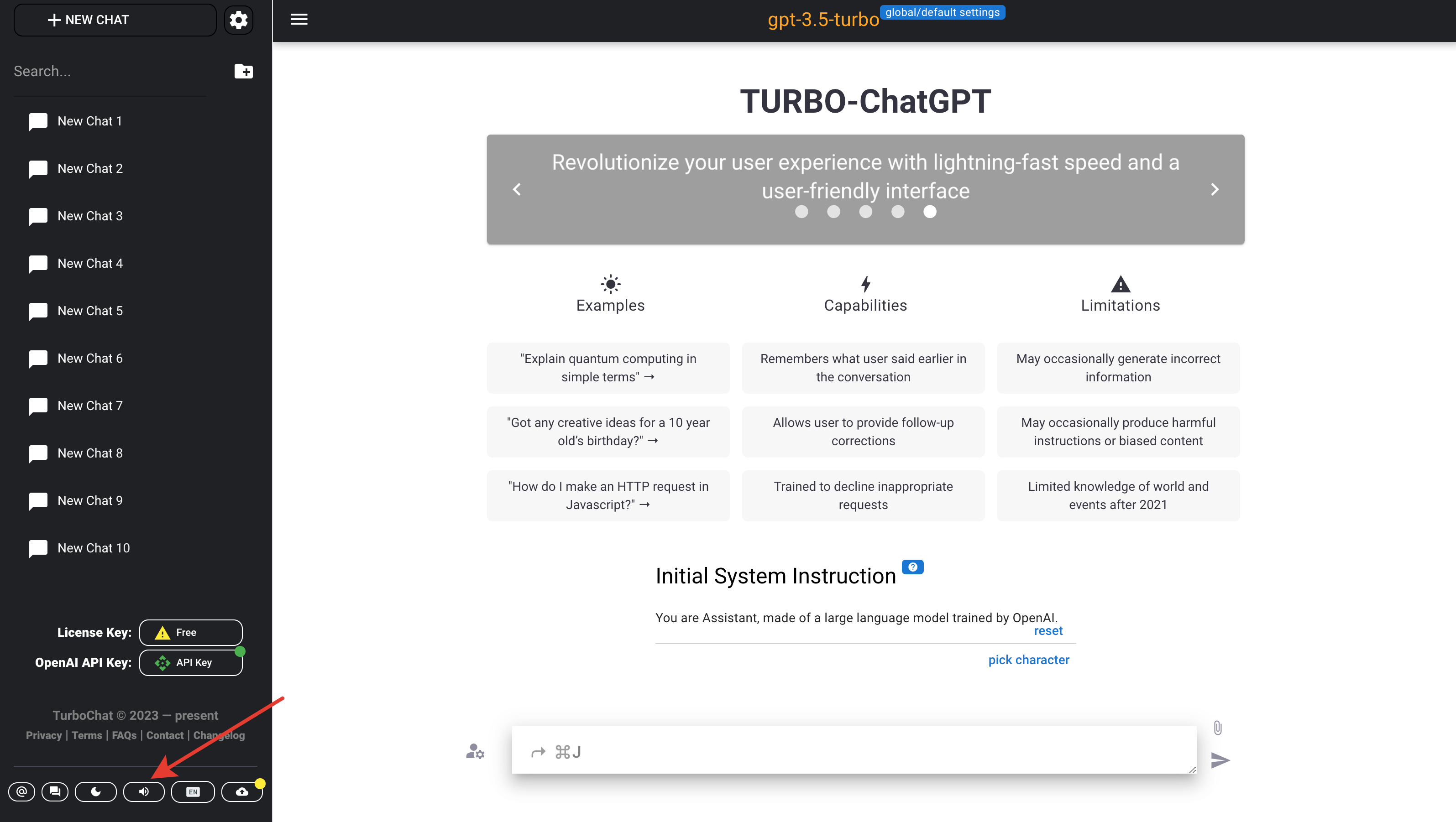
- Select Language(i18n dialog)
Show more
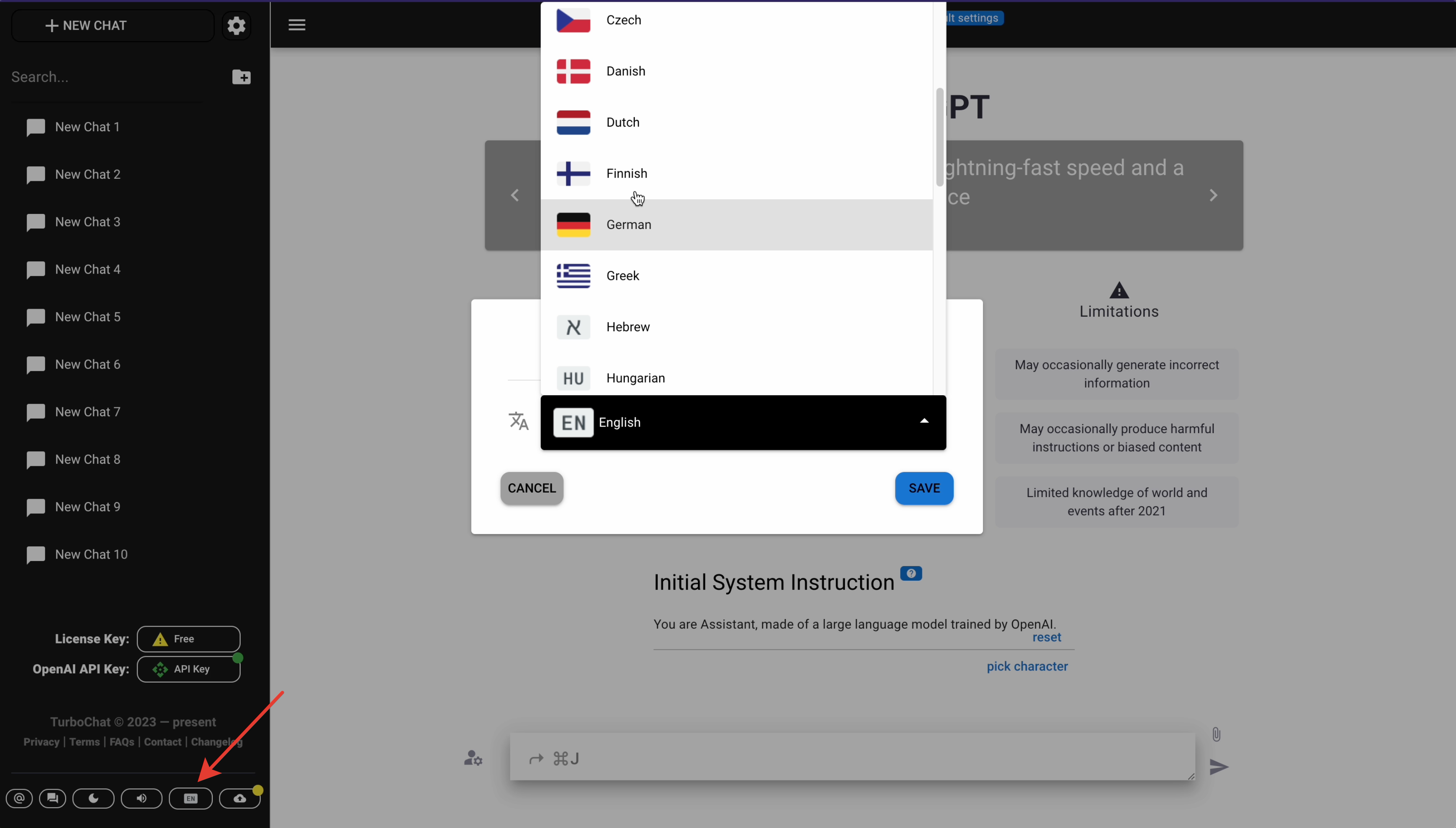

- Data Sync
Show more
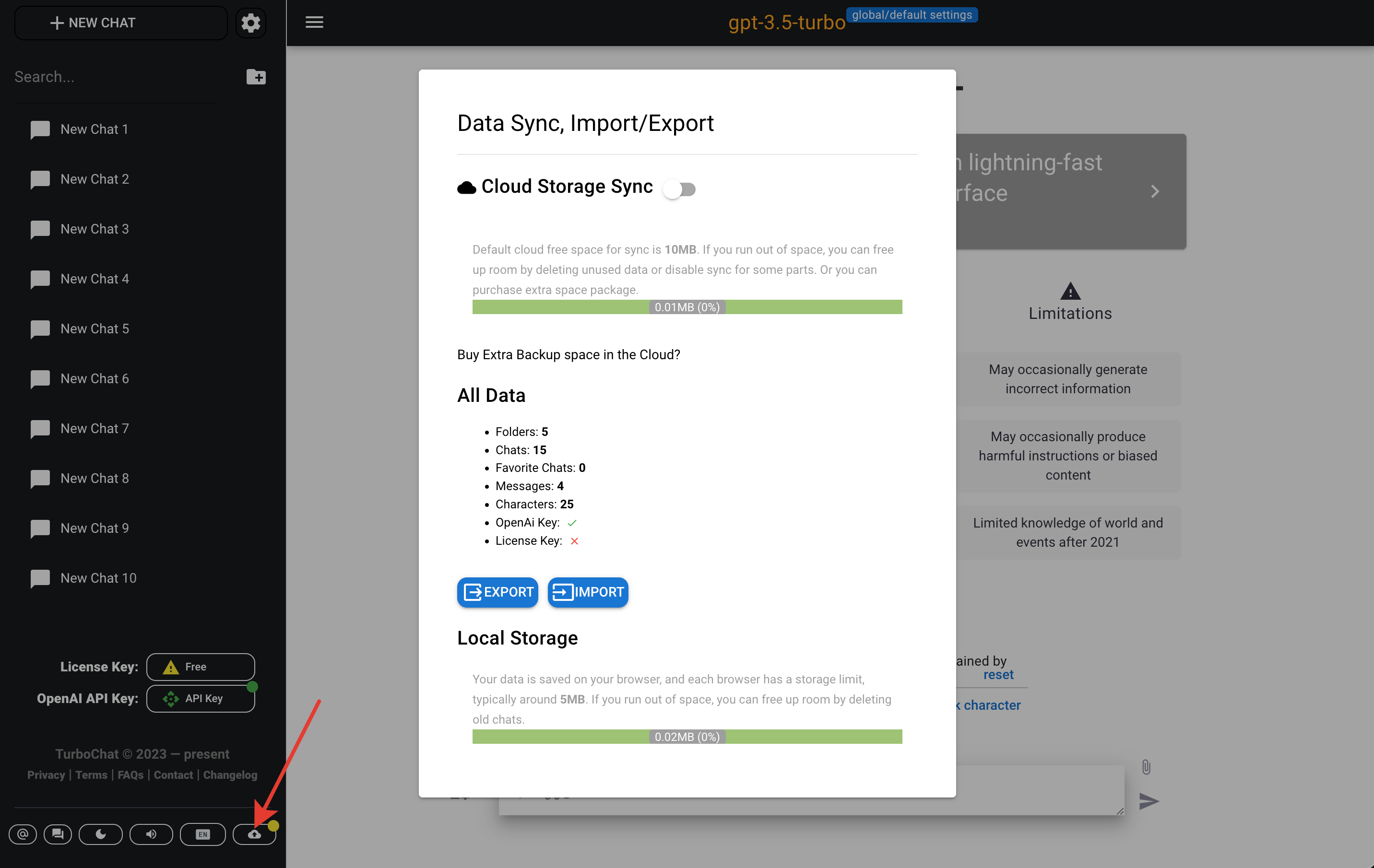
- Connection status signals:
- red - no connection to the sync service
- yellow - connected to the sync service, but not enabled sync
- green - connected to the sync service and enabled data sync
- Connection status signals:
- Newsletter Subscription
- License key dialog
- Deactivate License Key - trigger removing current device from activated devices list
Show more
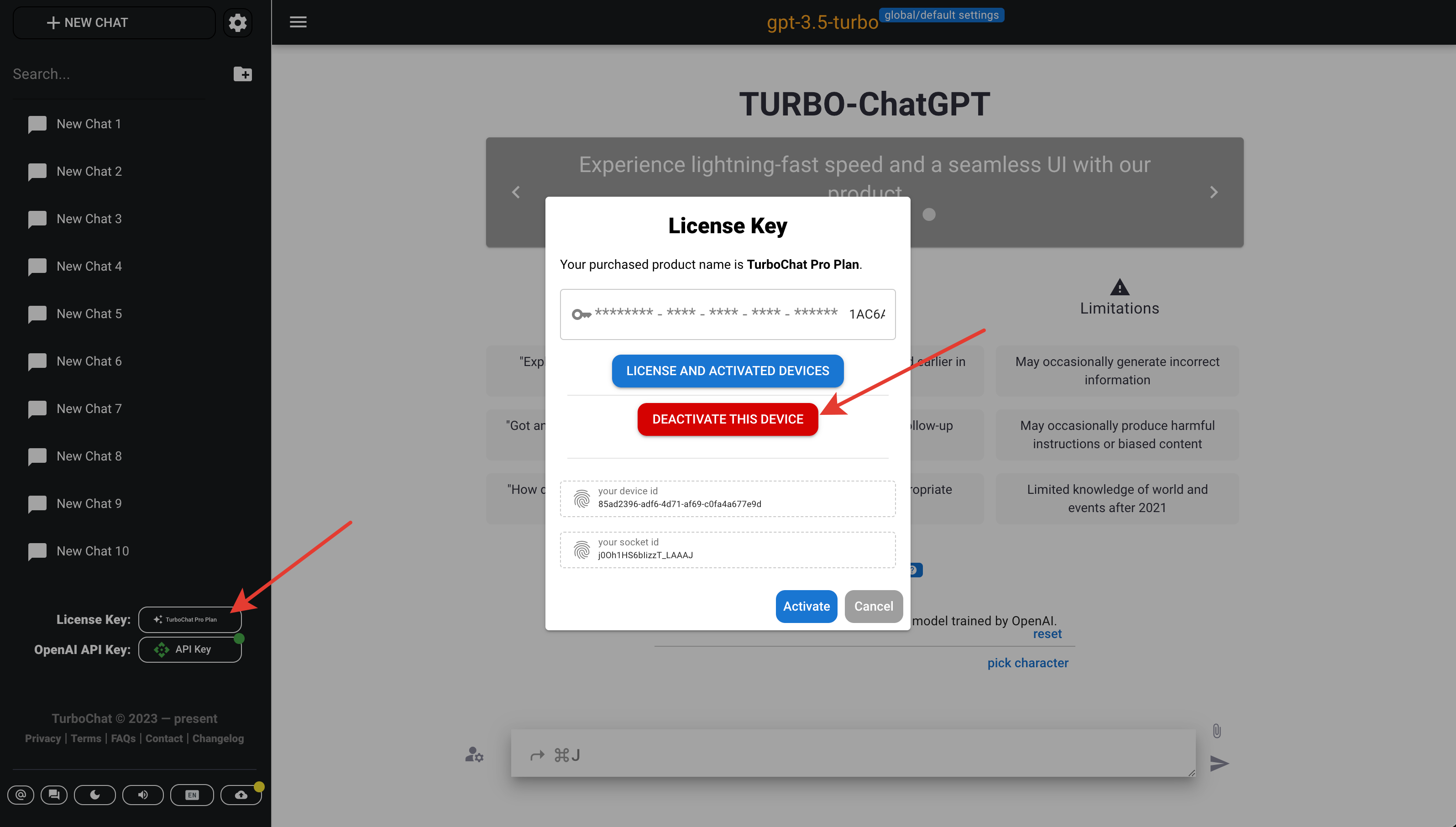
- Activated devices list is limited for the most options to the 5 activated devices
- License and activated devices - heading to https://app.lemonsqueezy.com/my-orders - you can authenticate there with same account used for purchasing the paid plan
- Enter License key
Show more
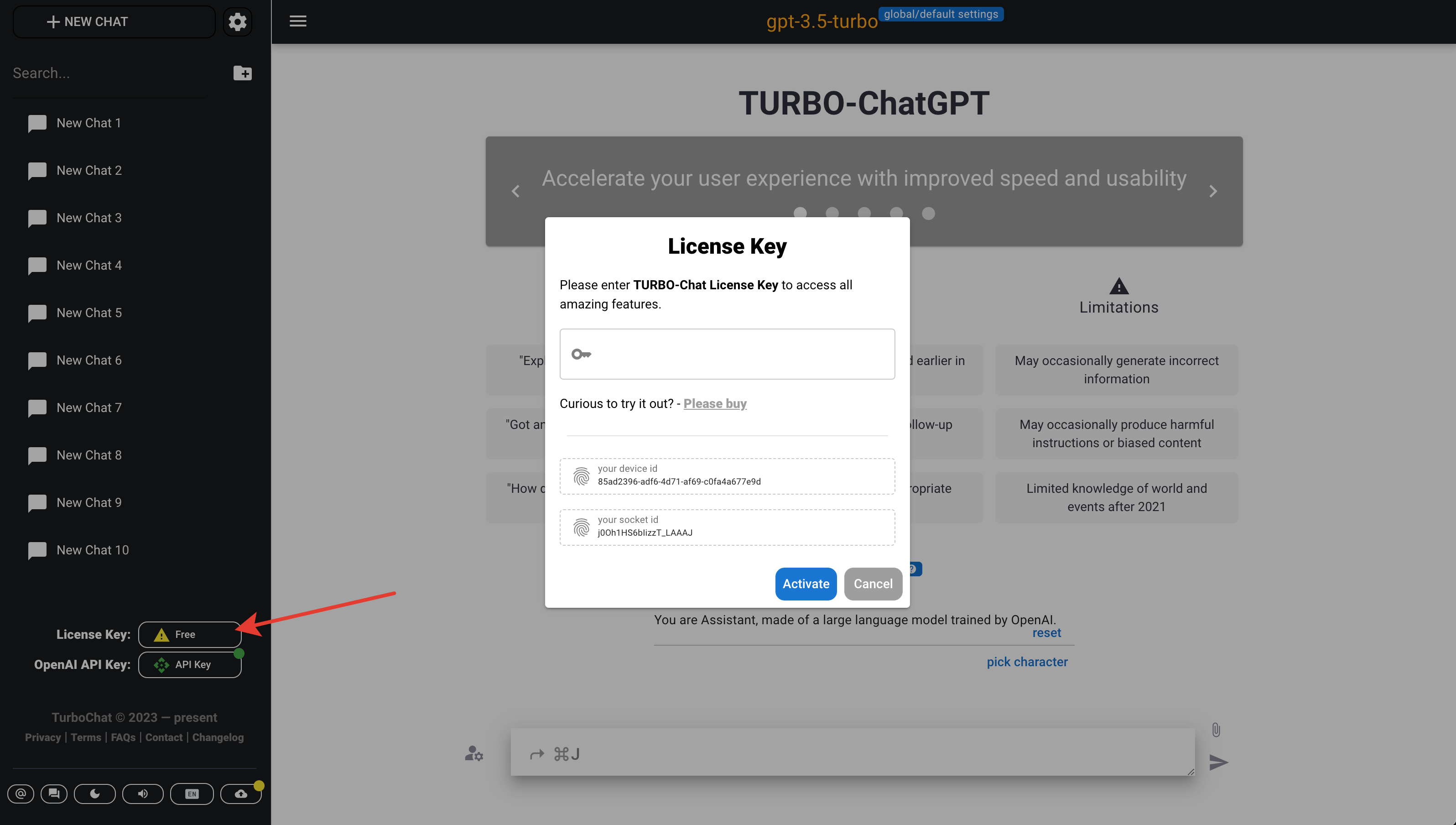
- Button shows current paid plan if license key applied or "Free" if no license key.
Show more
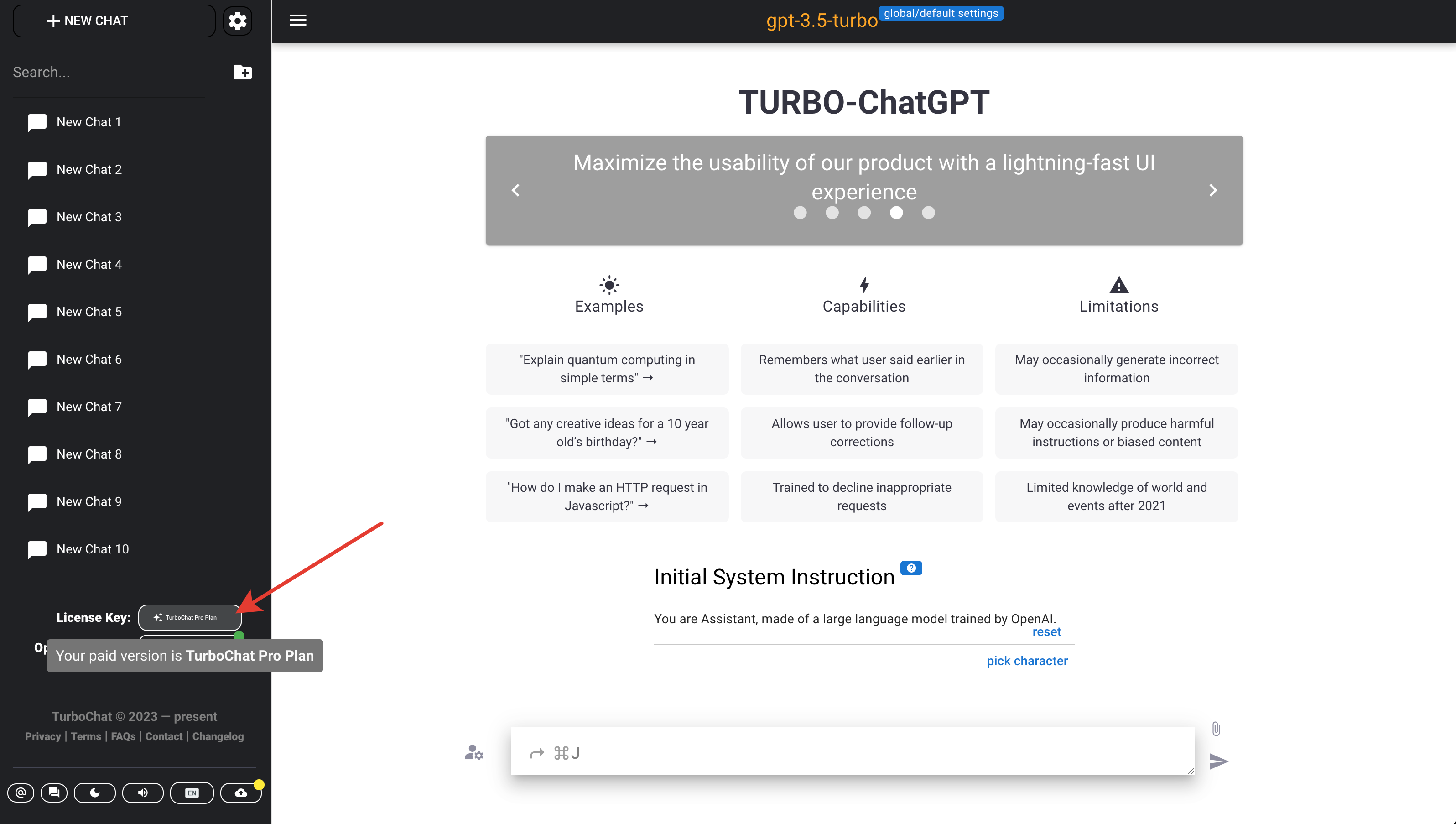
- In dialog is shown "your device id" for specific device licence activation reference.
- Also in dialog is shown "your socket id" for debugging reference, referring to your current data sync connection
- Button shows current paid plan if license key applied or "Free" if no license key.
- Deactivate License Key - trigger removing current device from activated devices list
- OpenAI API key dialog
- Enter OpenAI API key
Show more
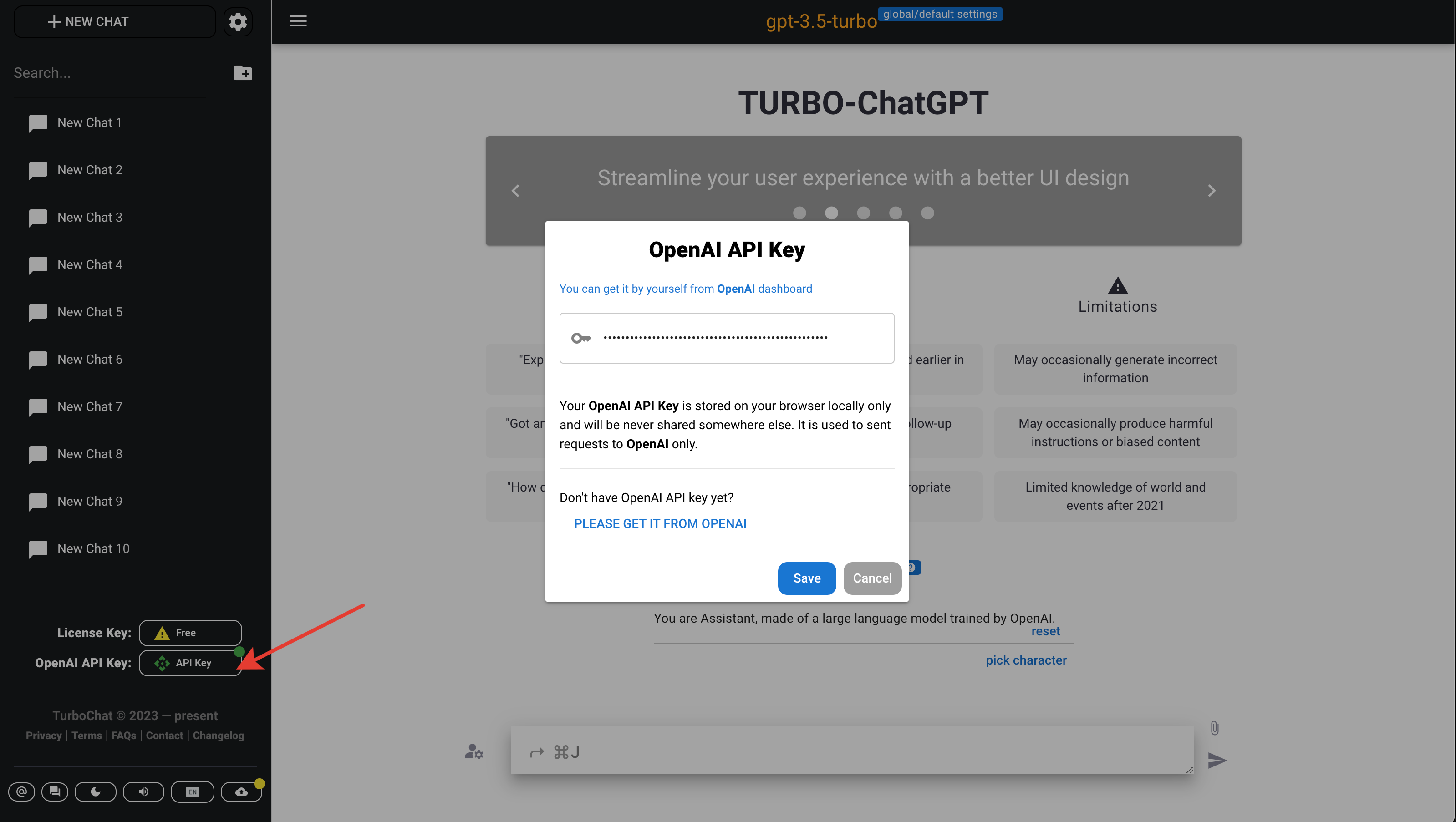
- OpenAI connection status signals:
- red - no connection to OpenAI service
- yellow - connected to the OpenAI service, but some services are not functioning
- green - connected to the OpenAI service and all services are ok
- Enter OpenAI API key
Chat Share Dialog
- It's available at Chat post menu area for every non-empty chat.
- Show Dialog Share
Show more
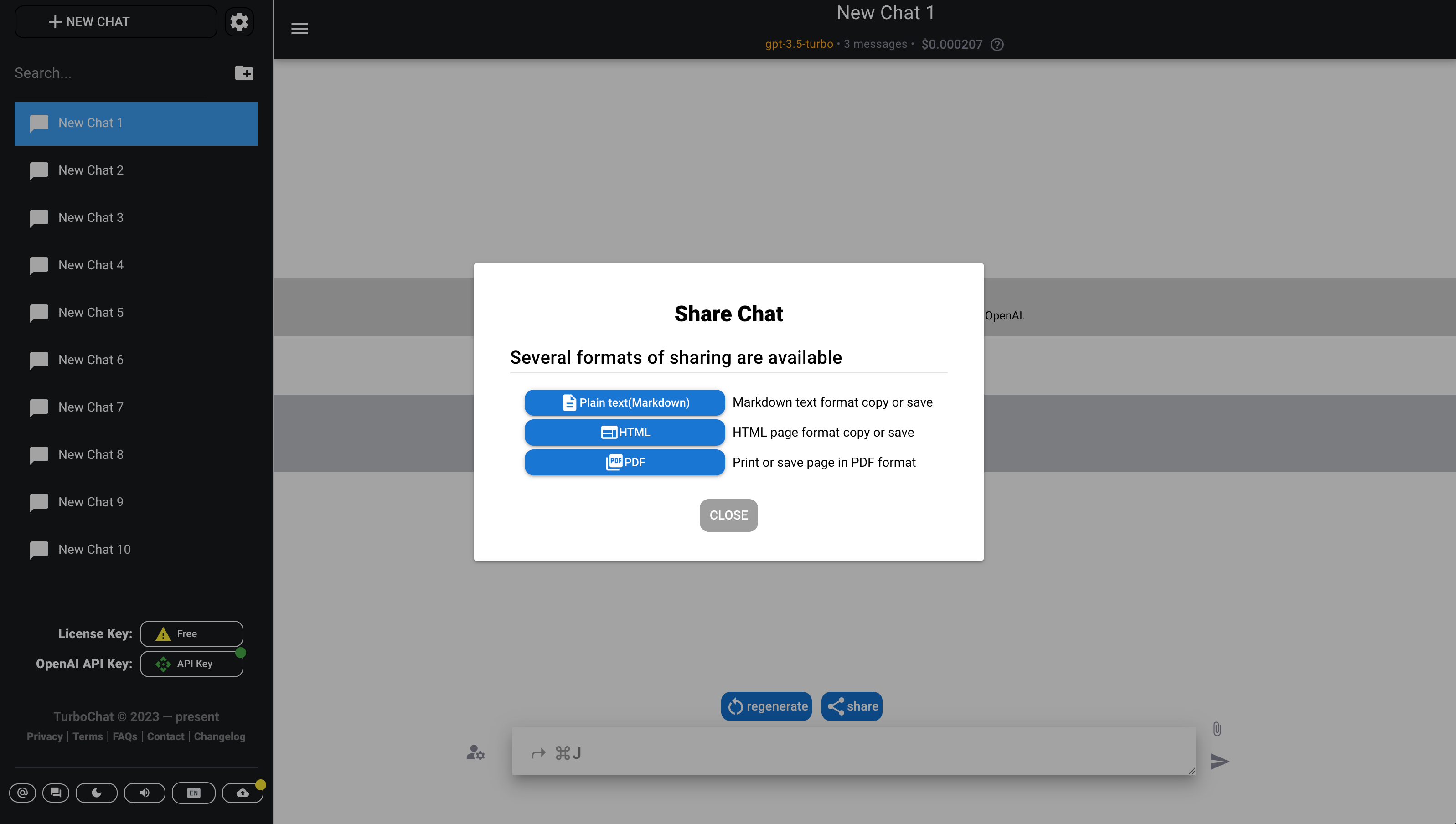
- Export Chat as Markdown/Plaintext
See sample
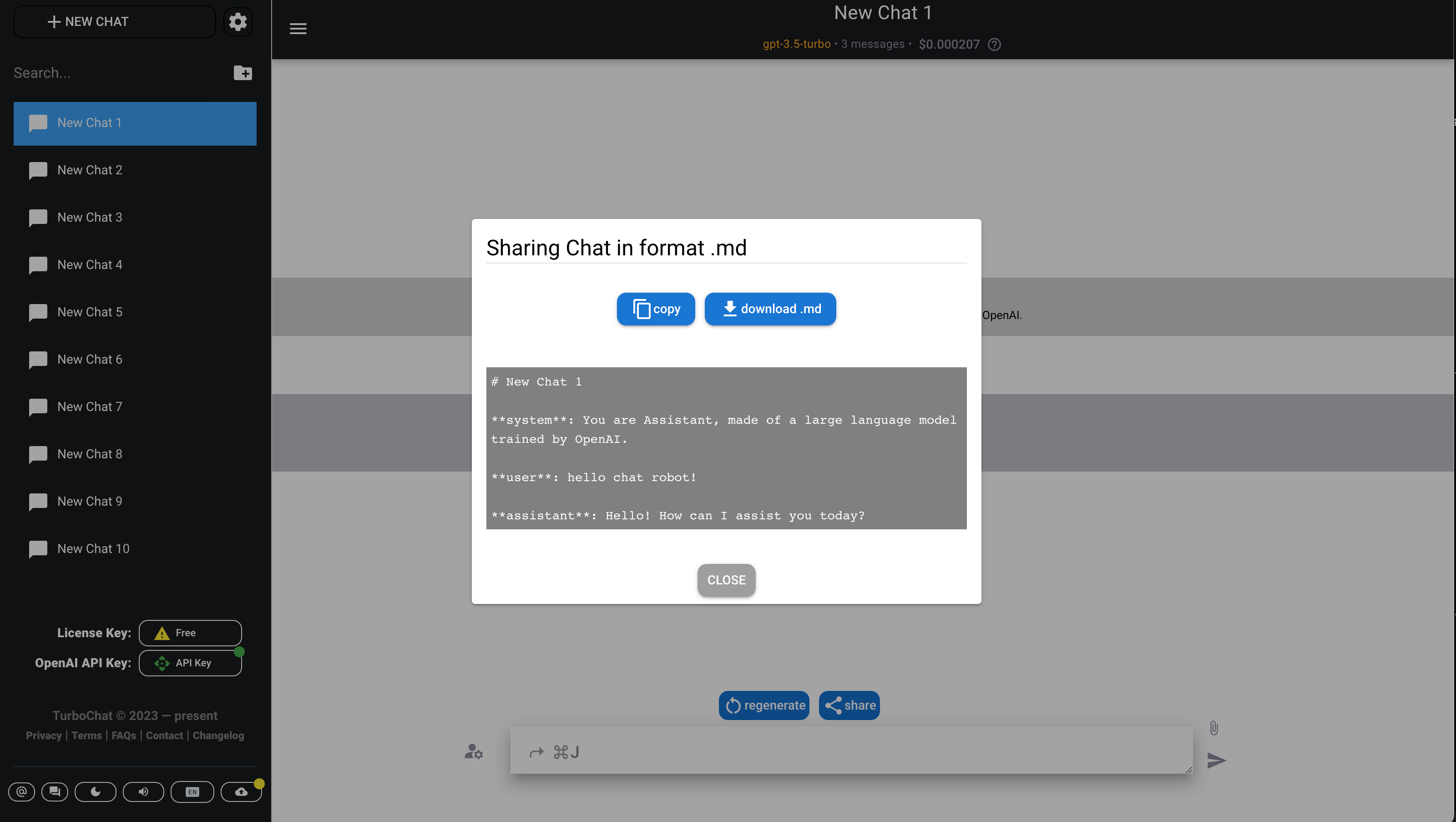
- Export Chat as Html
See sample
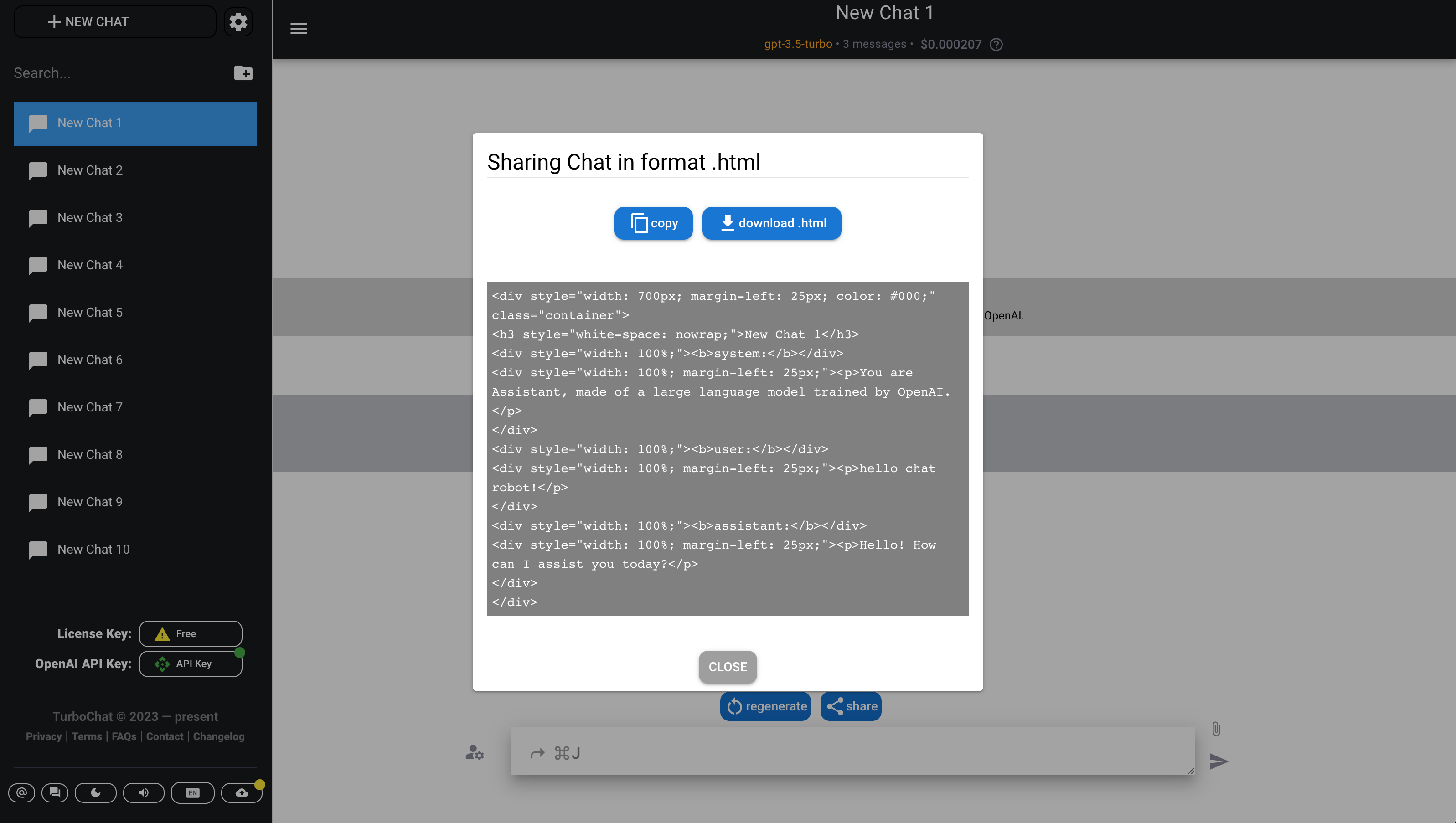
- Export Chat as PDF
- Export Chat as Markdown/Plaintext
Global Chat settings
Show more
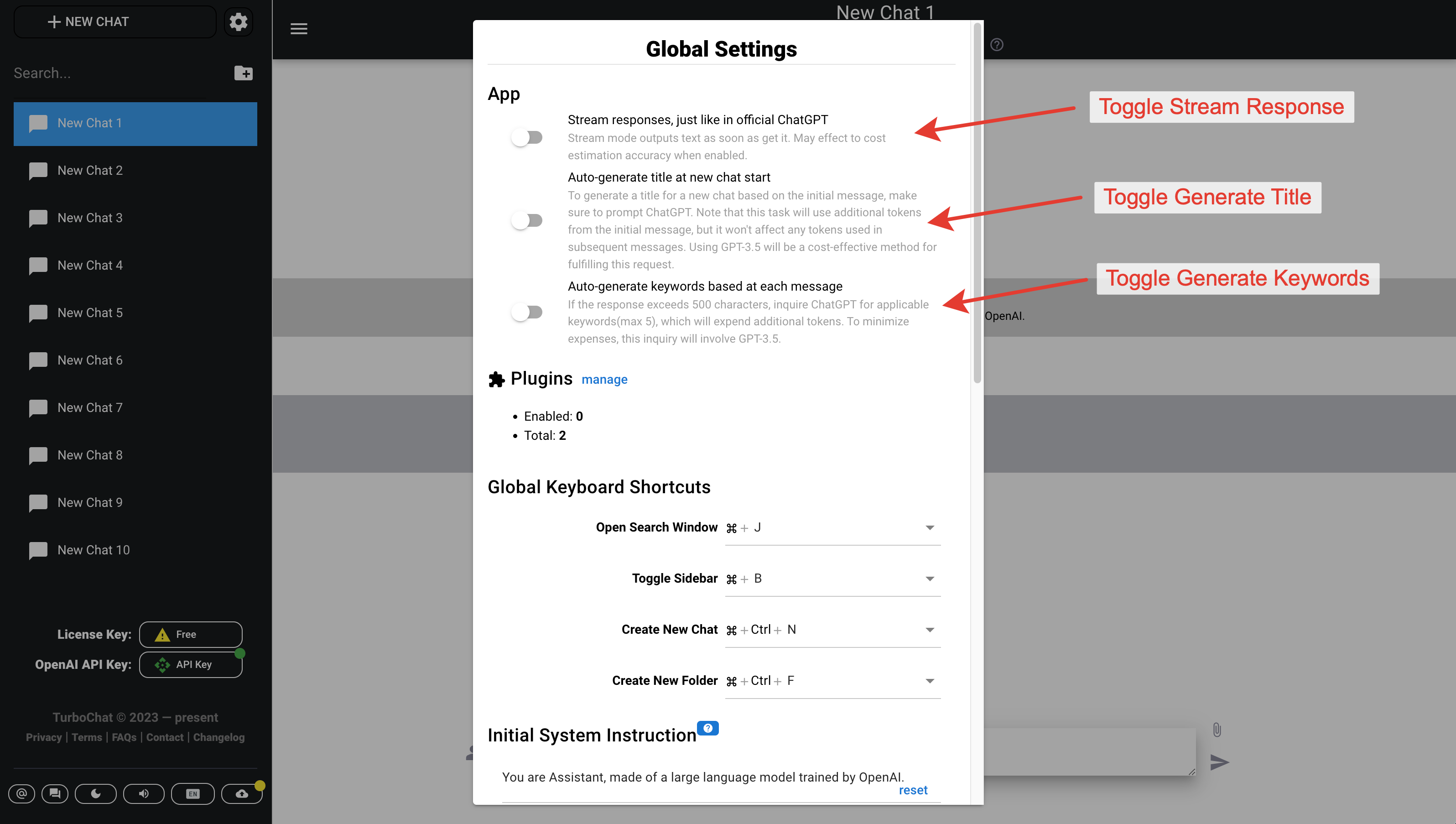
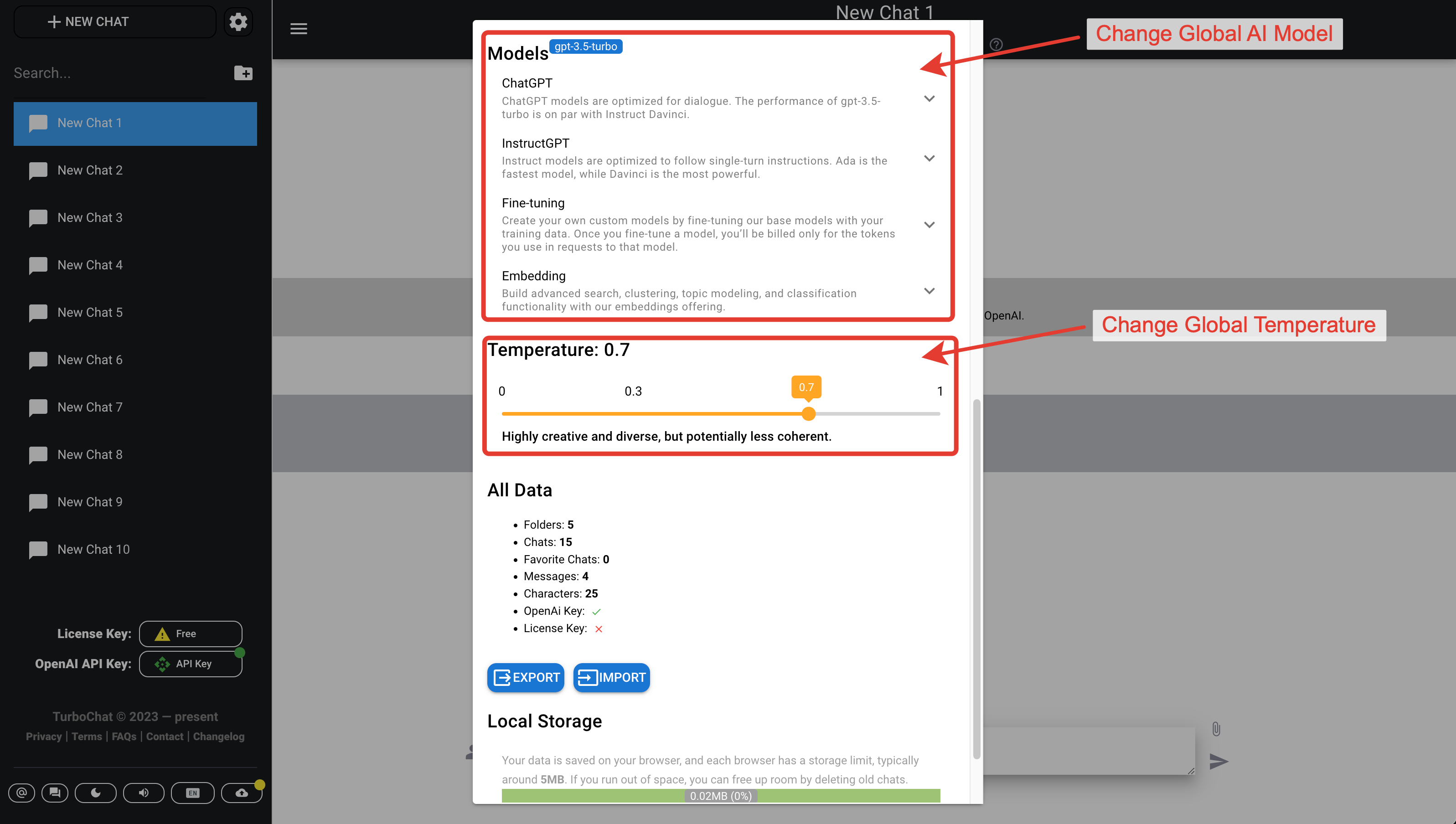
- Toggle Stream Response
- Toggle Generate Title
- Toggle Generate Keywords
- Change Global AI Model
- Change Global Temperature
Specific Chat settings
Is available by clicking at current selected model name
Show more
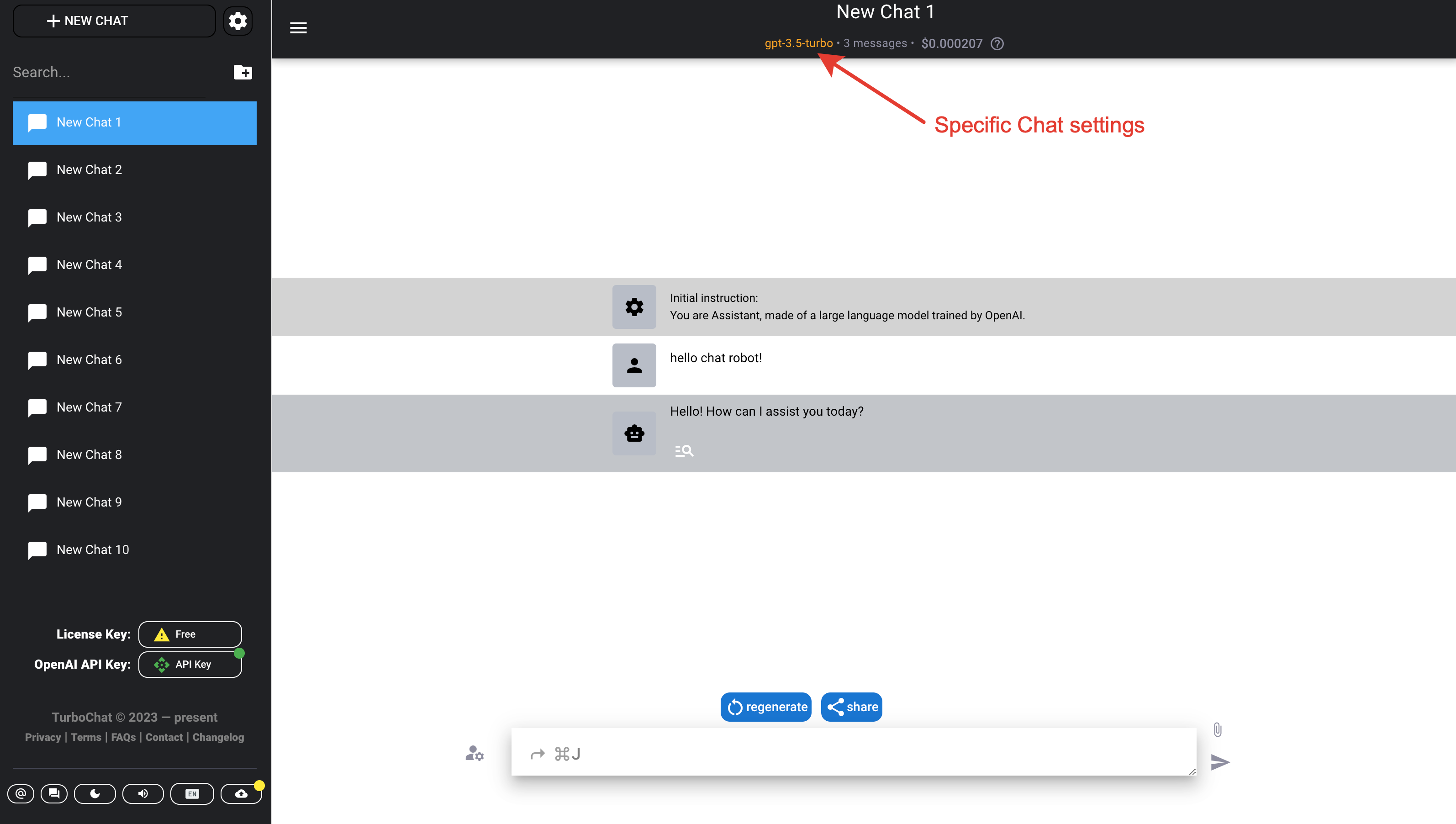
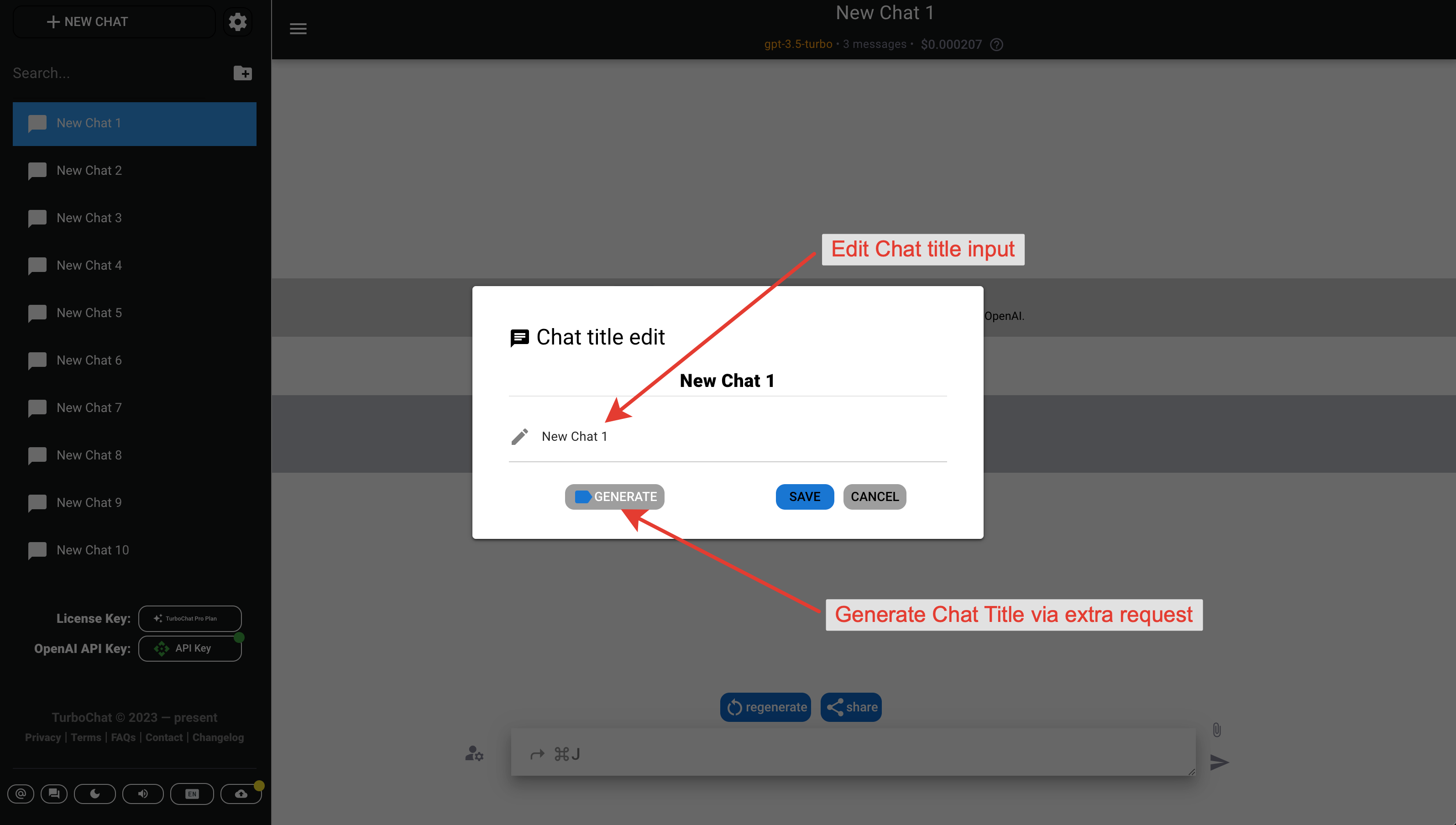
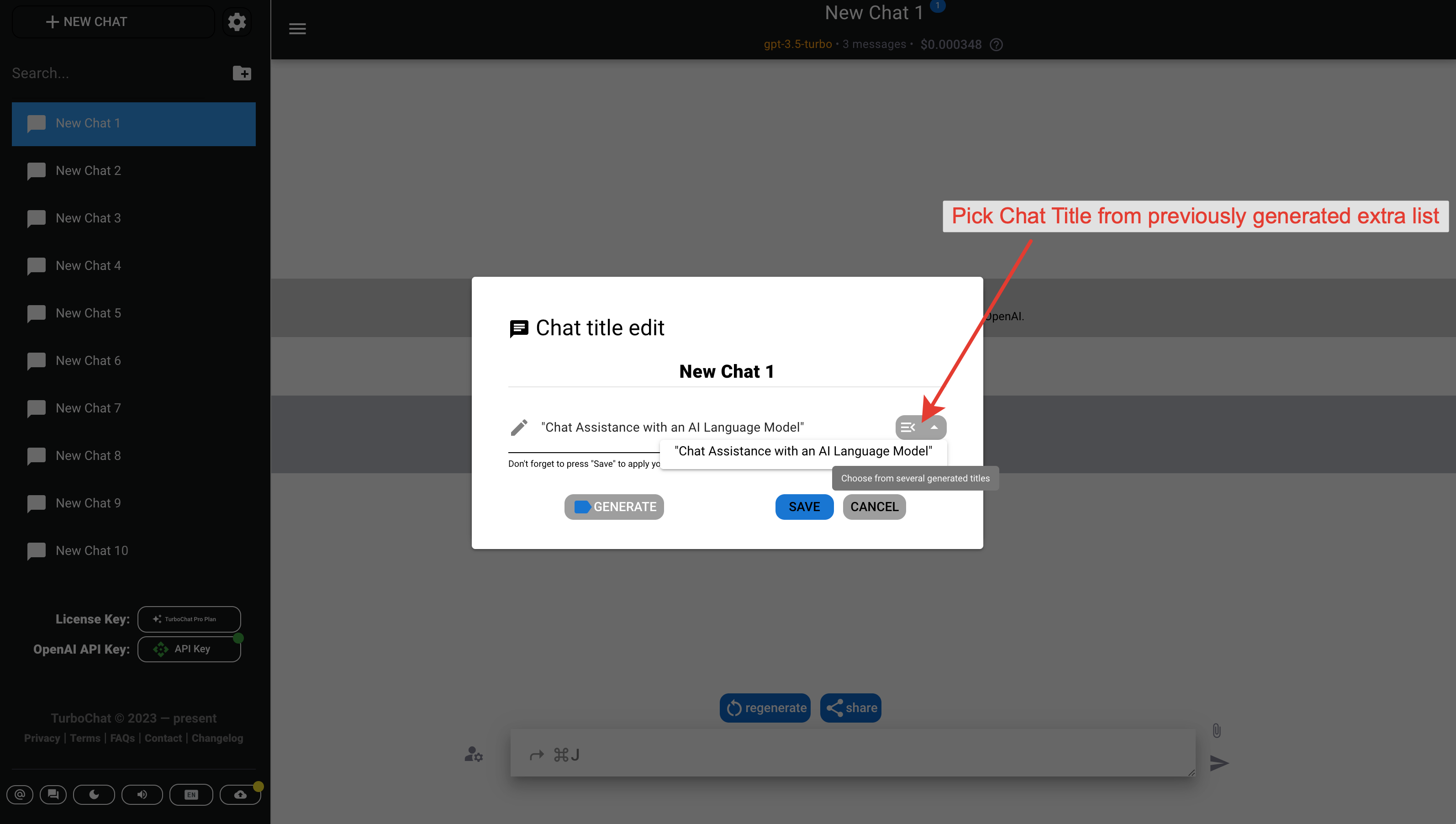
- Change Chat AI Model
- Change Chat Temperature
- Generate Chat Title via extra request
- Edit Chat title
- Pick Chat Title from previously generated extra list
Show more
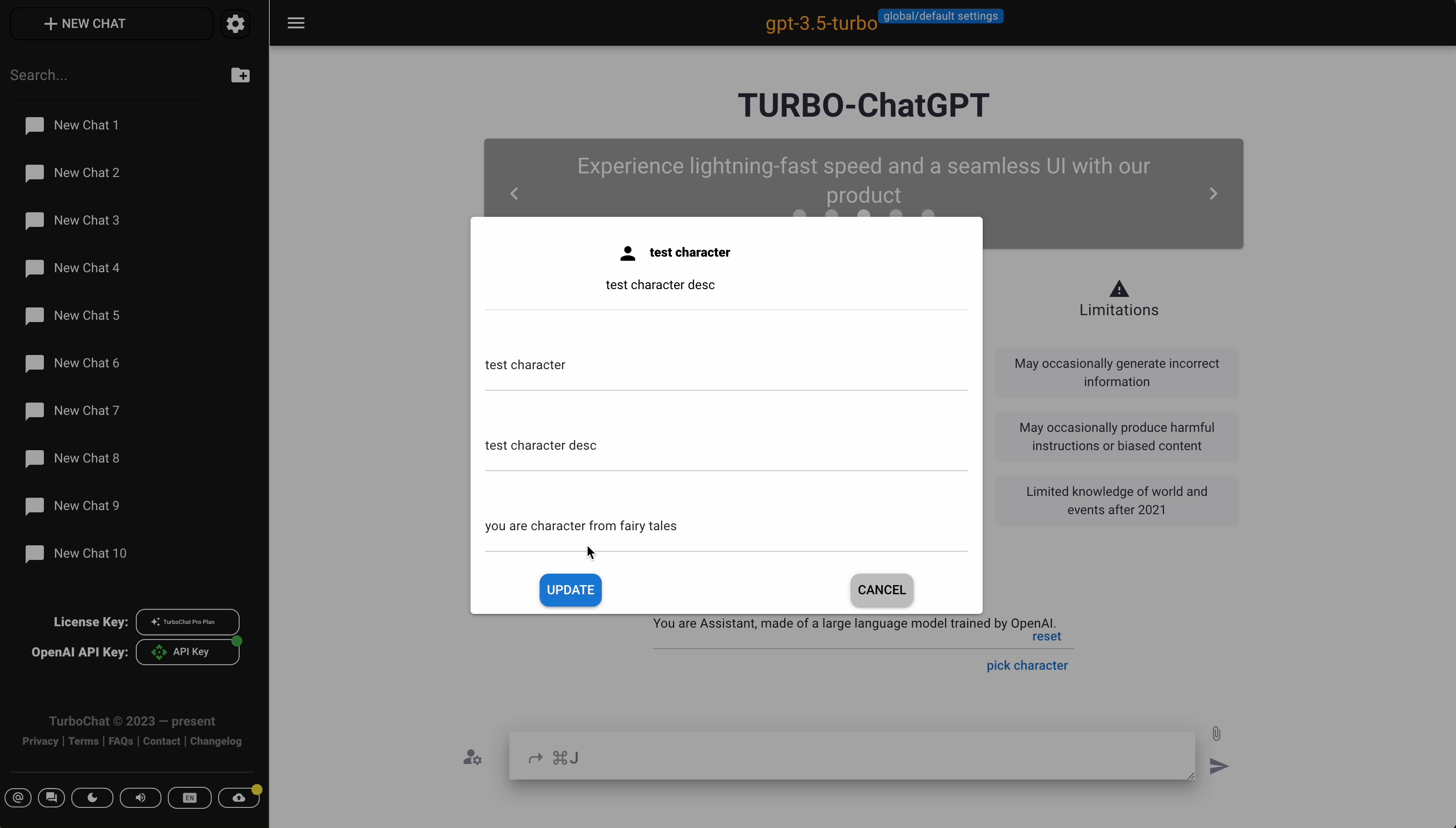
Characters
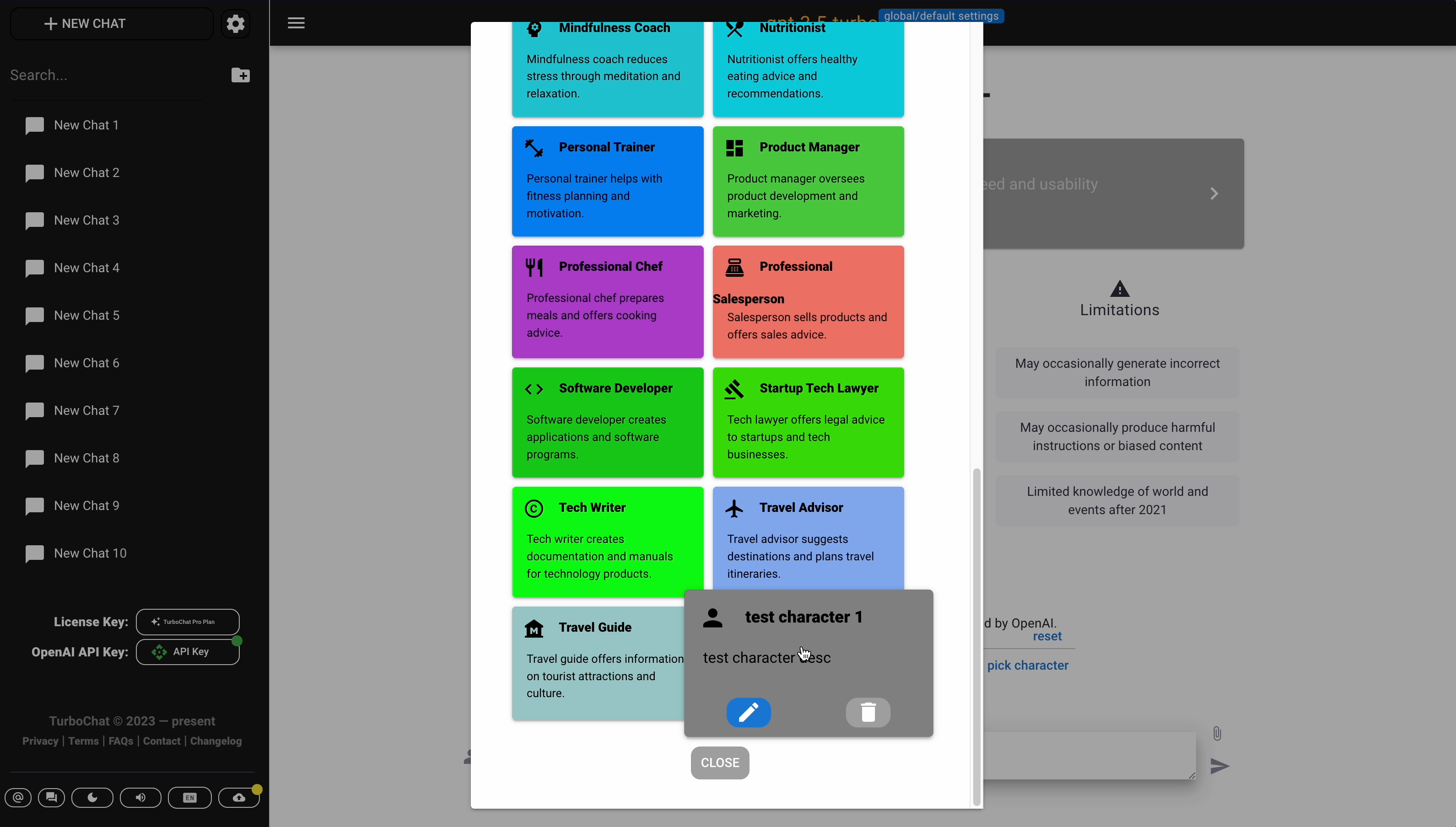
Picking character is available at Starting home screen. Filtering all characters is also available.Show more


- Add custom Character
Show more
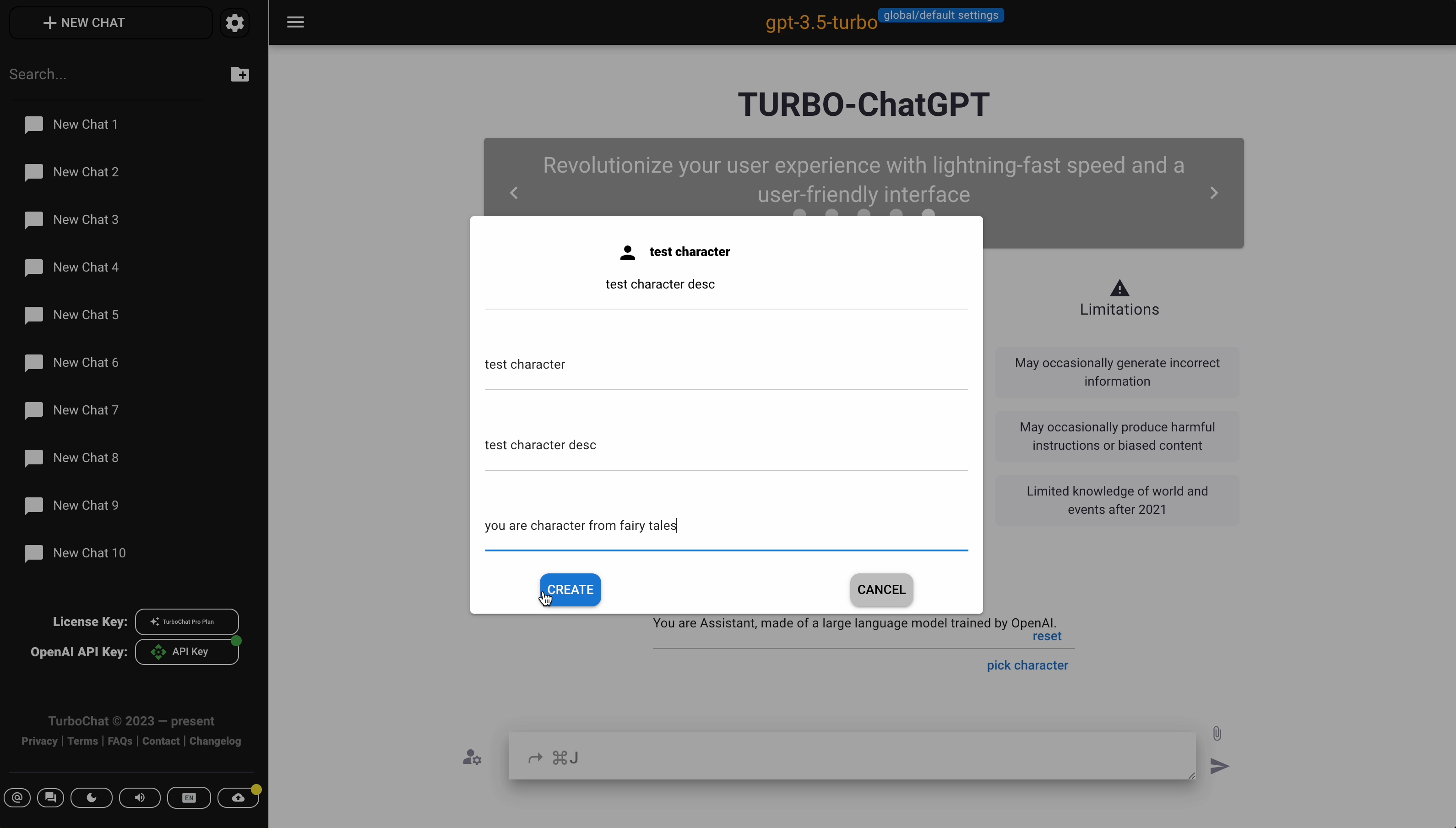
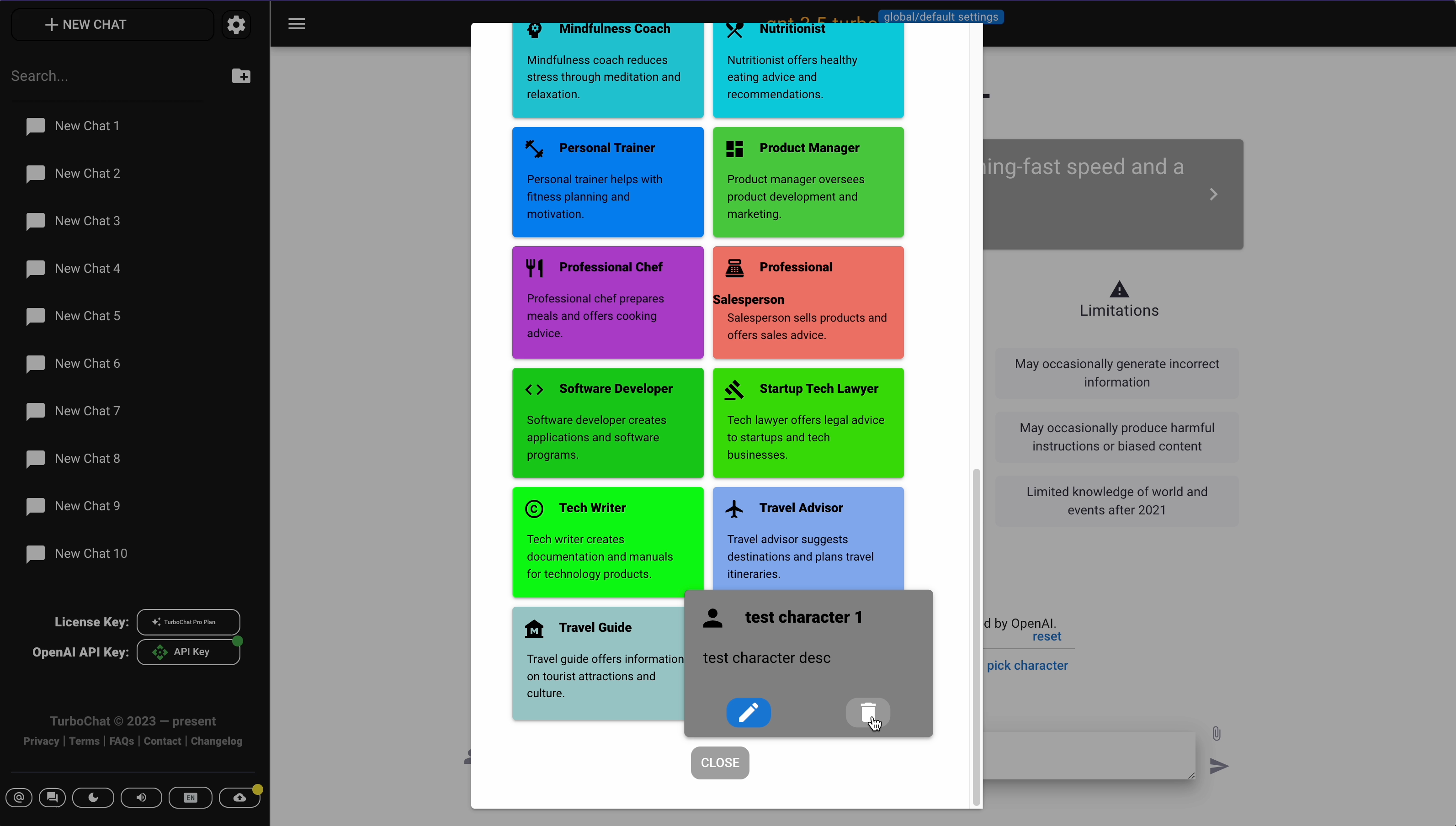
- Delete custom Character
Show more
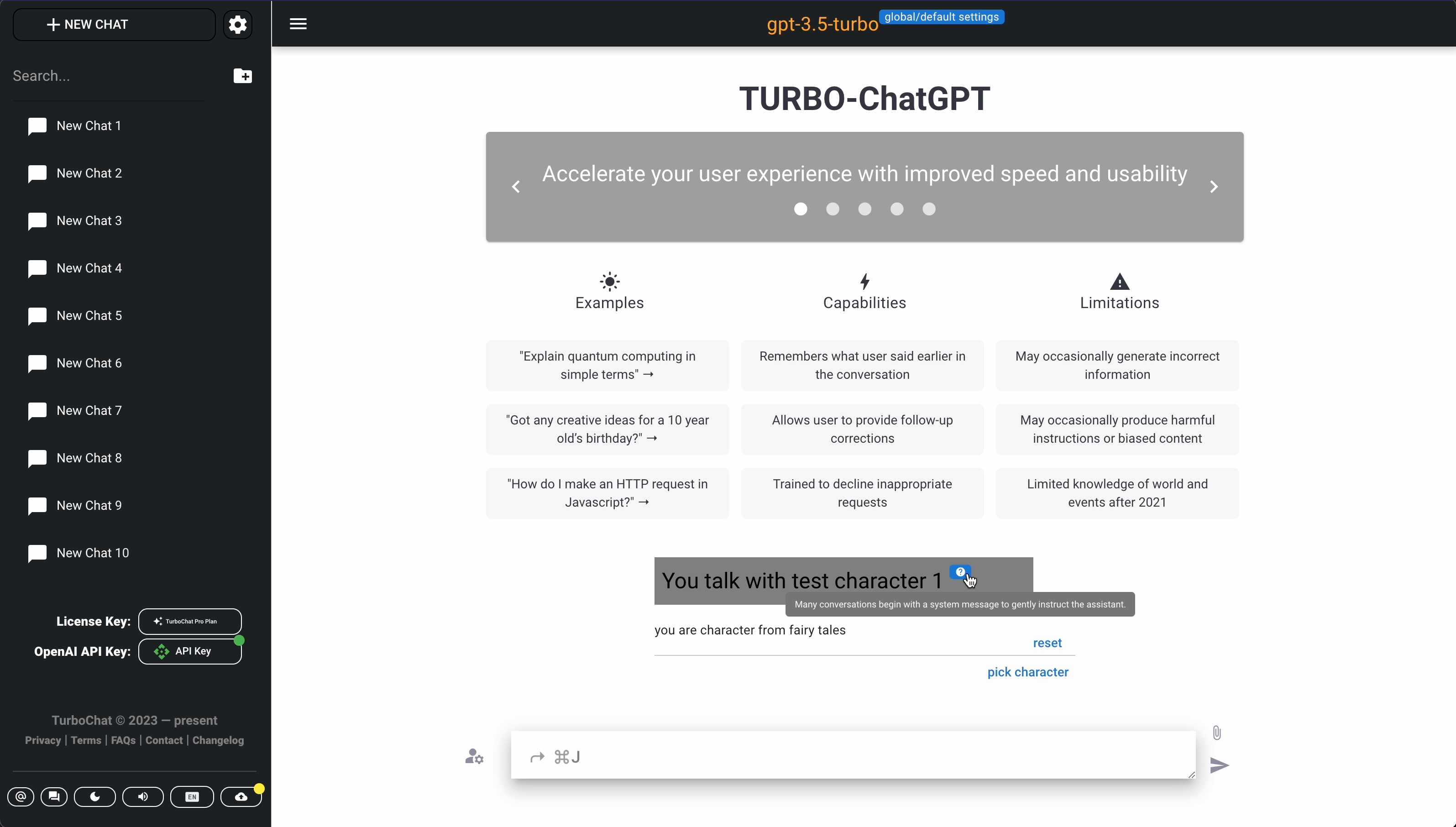
- Pick Character
Show more
- Update custom Character
Show more
Chat operations
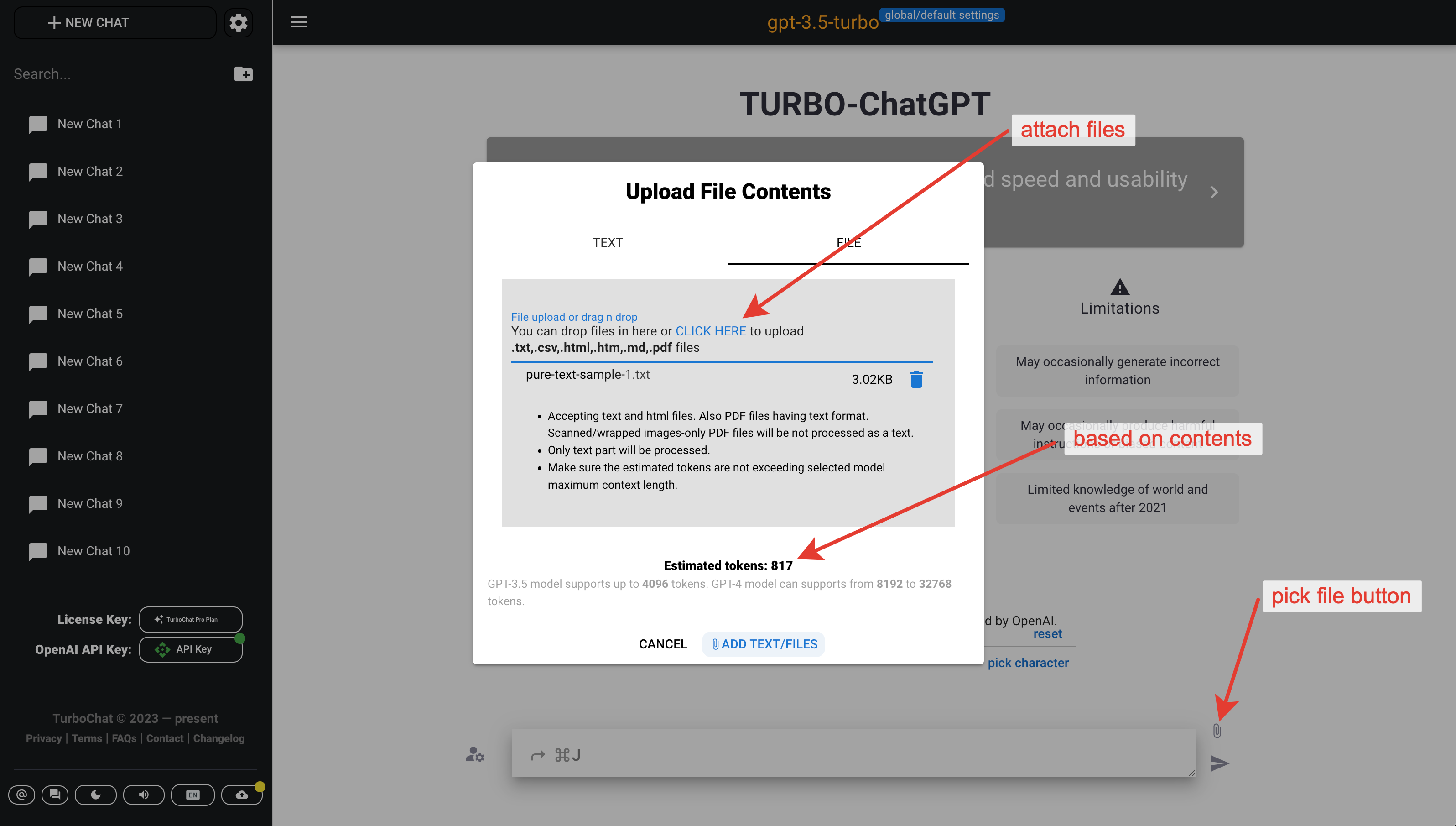
- Attach documents to the Chat
Show more
- Generate Keywords for the Post
All data operations
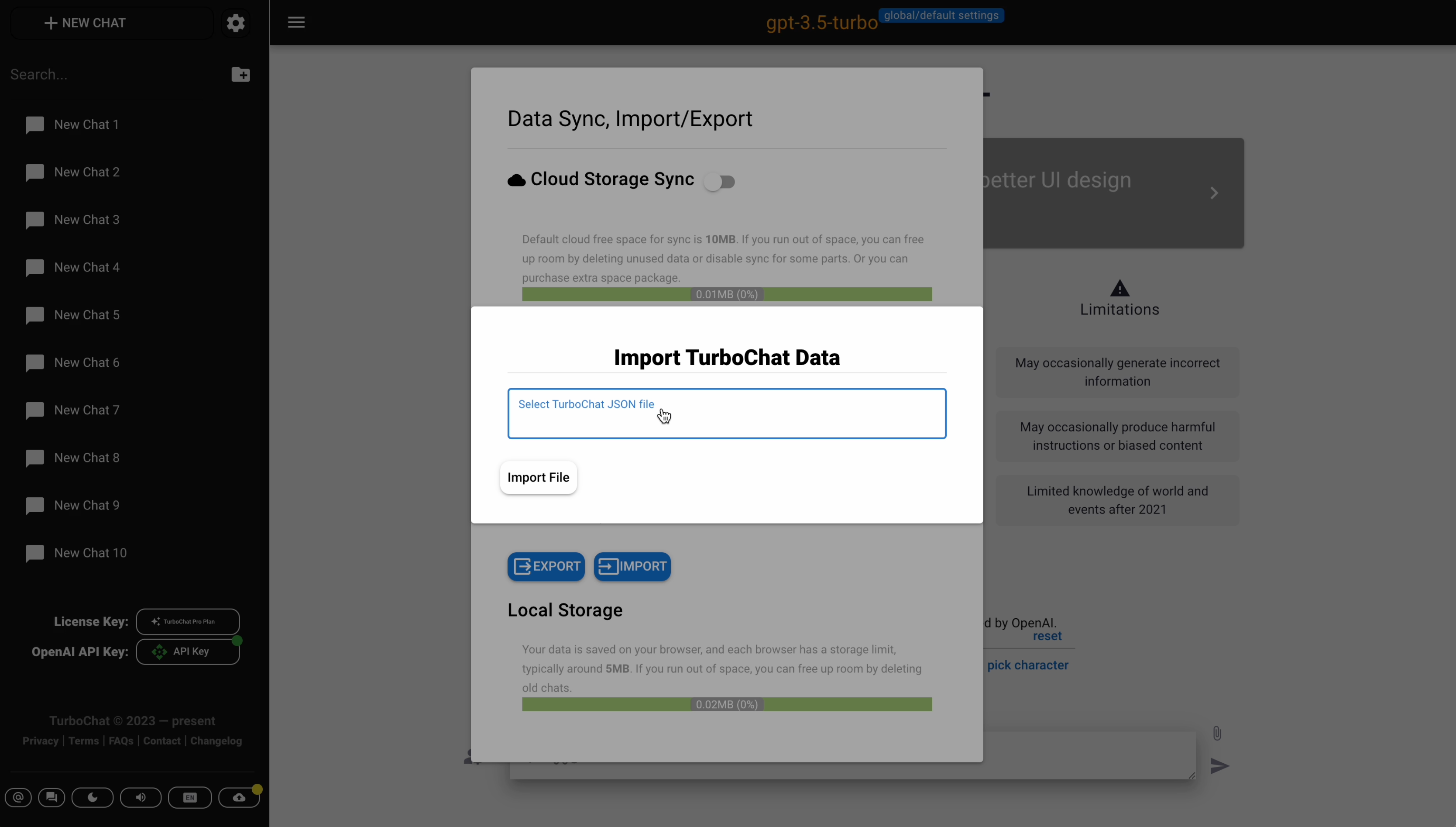
- Export all data
- It's available in the Settings dialog and in the Data sync dialog.
Show more
- It's available in the Settings dialog and in the Data sync dialog.
- Import all data
- It's available in the Settings dialog and in the Data sync dialog.
Show more

Plugins
It's available for in the Settings dialog Show more


New Chat Plugin is just for sample).
For these plugins there are only two action:
- enable/disable
- put some settings values if needed
For paid plan it's possible to add your own new plugins.
- Enable Chat Plugin
- Add new Chat Plugin
Show more
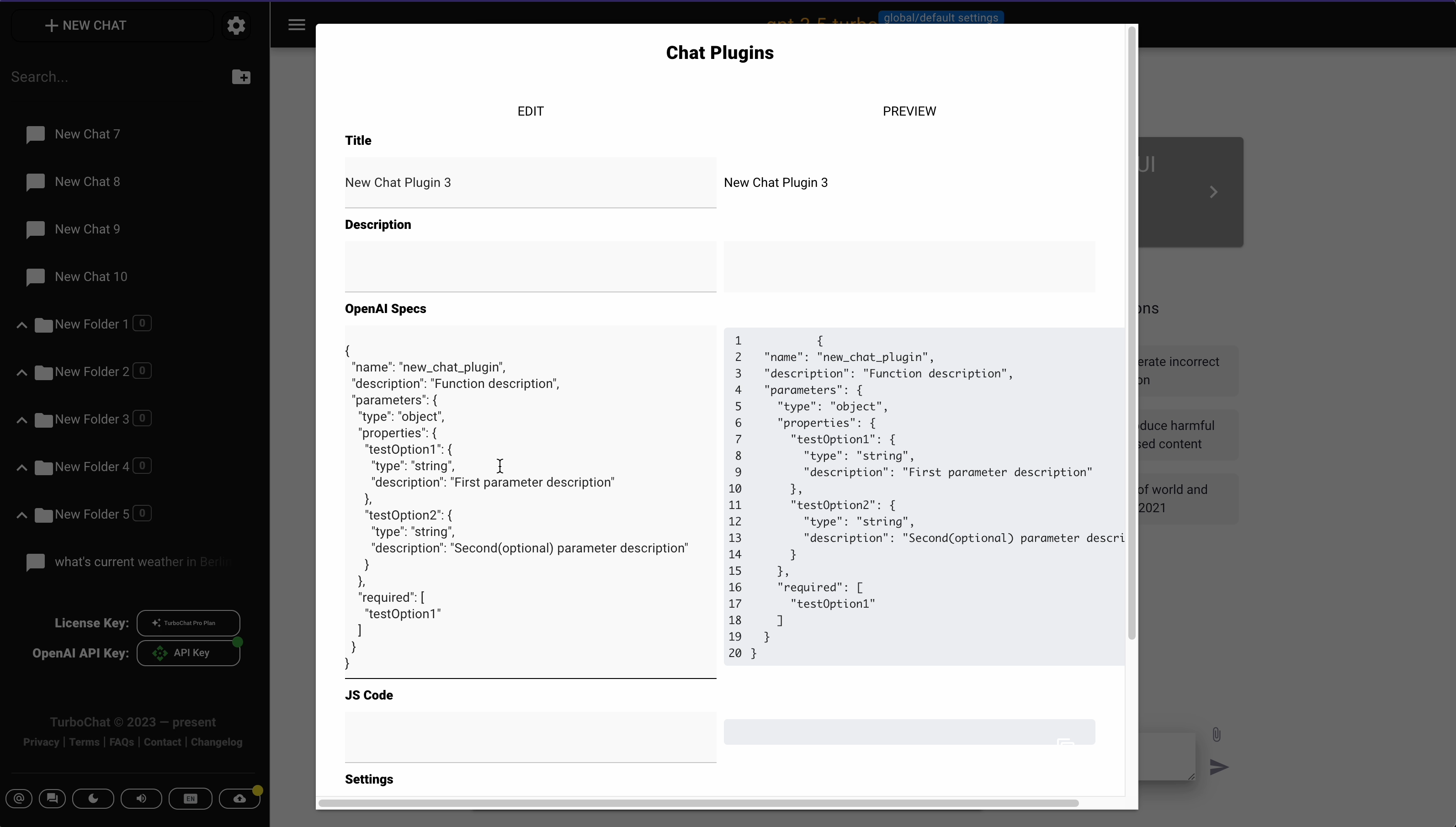
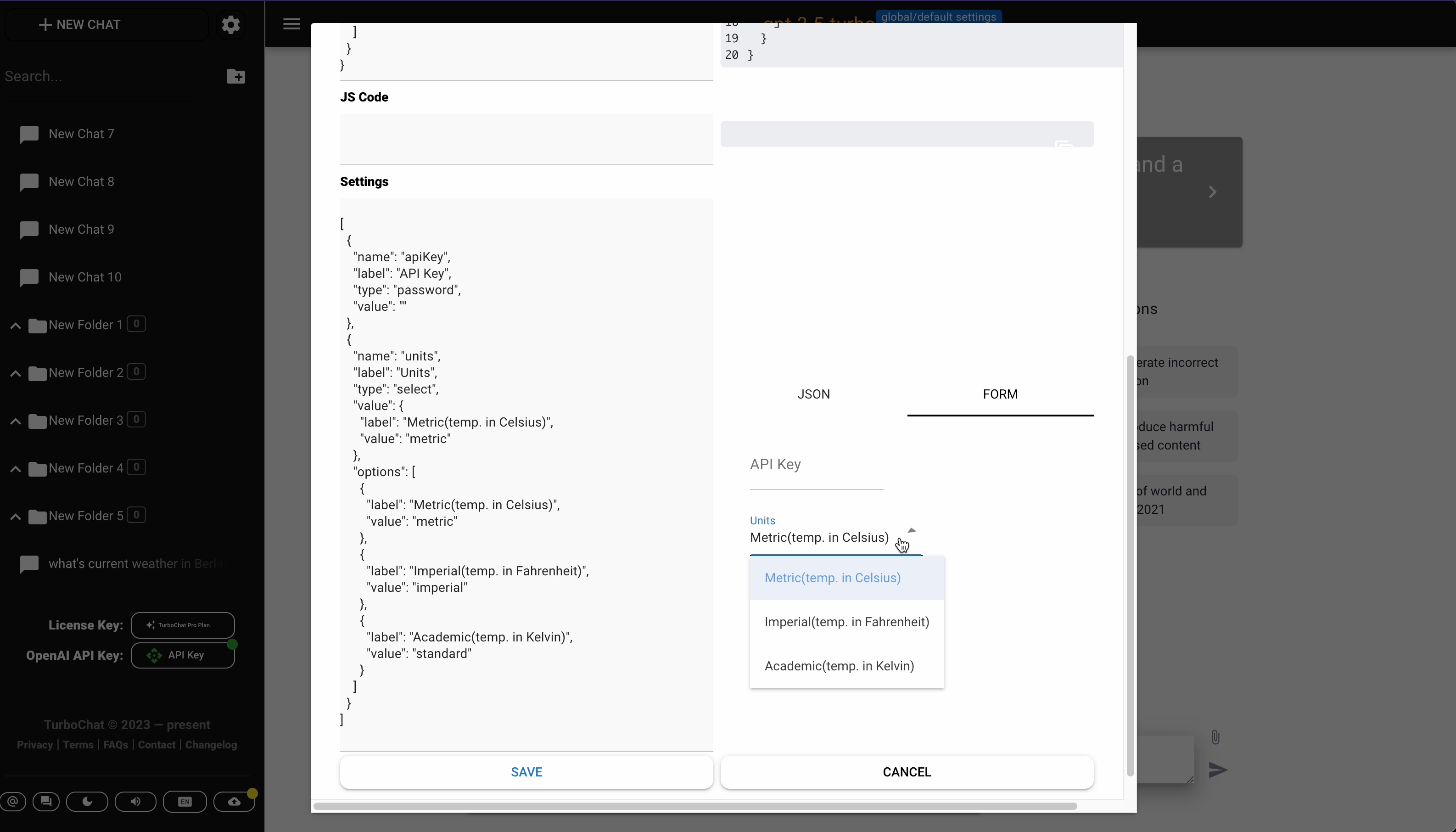

- Every plugin has 4 tabs:
- Description tab(required partly)
- Settings tab(optional)
- Specs tab(required)
- JS Code tab(required)
- Every plugin has 4 tabs:
- Update Chat Plugin
- Delete Chat Plugin
Search
It's available via keyboard shortcut or via pressing the button in empty prompt input Show more

- Use Global Search Input
- Use Global Search Input, navigation
Sync
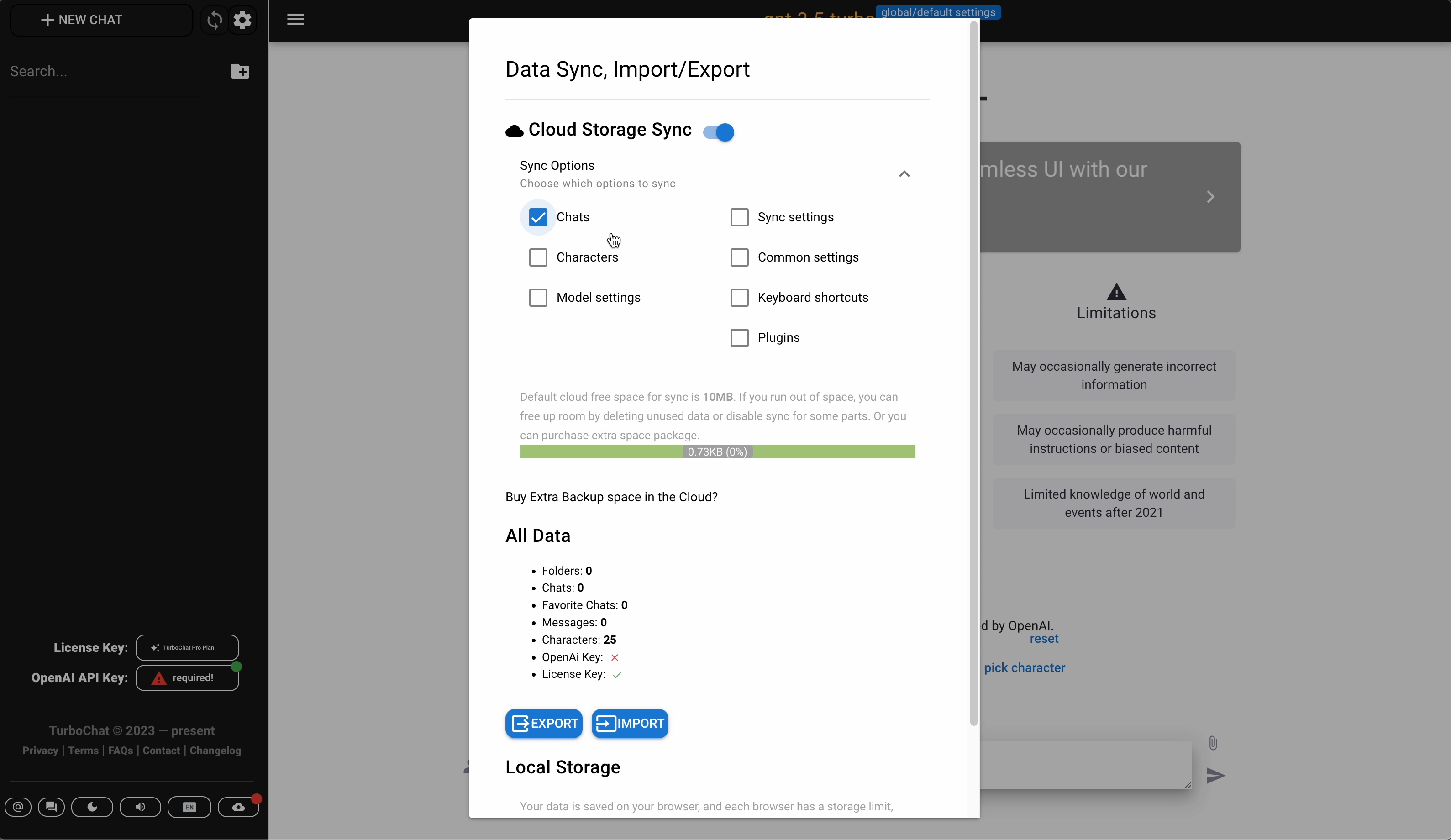
It's one of Side menu tools, Last button in the list.
- Toggle Data Sync
- Change Sync Config options
Show more

TurboChat All-Inclusive Plan
This plan is for those who wants to have maximum from this chat tool and get all upcoming updates.
Exclusive features now are the following:
- Live Support Chat
Show more